
Scan the recipes in your cookbooks and notebooks with a photo
Snap a page from a cookbook, a magazine or grandma's notebook. You get a clean recipe, with ingredients and steps.
Yogurt cake
- 1 pot plain yogurt
- 3 eggs
- 3 pots flour
- 2 pots sugar
- 1 pot oil
- 2 tsp baking powder
 CookNestDigitized
Yogurt cake
6 ingredients · 4 steps · 40 min
- Ingredients
- Plain yogurt1 pot
- Eggs3
- Flour3 pots
- Sugar2 pots
Your paper recipes, in your cookbook
Handwritten, printed or spread over two pages.
Mom's croquettes
- ½ l milk
- 60 g butter
- 60 g flour
- 100 g ham
- Breadcrumbs
- Nutmeg
Handwritten
It reads the writing in your notebook, not just print.
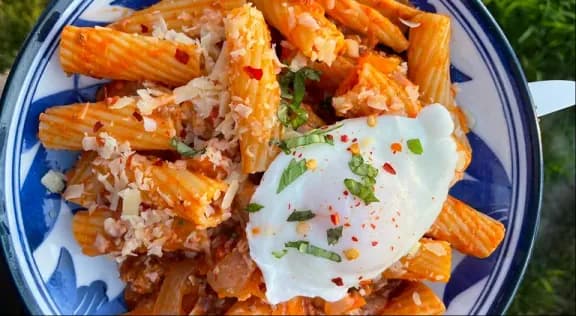
Pasta
Rigatoni with ragù
Serves 4 · 1 h 30 min
- 400 g rigatoni
- 300 g ground beef
- 1 onion
- 400 g tomatoes
Cookbooks and magazines
Snap the page and keep just the recipe.
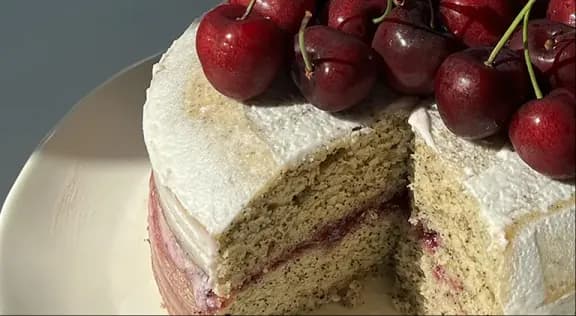 12CookNestDesserts
Cherry layer cake
From 2 photos · 10 ingredients
Two pages, one recipe
If it doesn't fit in one photo, add a second and get a single recipe.
You can also save recipes from a link or a voice note
How it works
From paper to your cookbook, no typing.
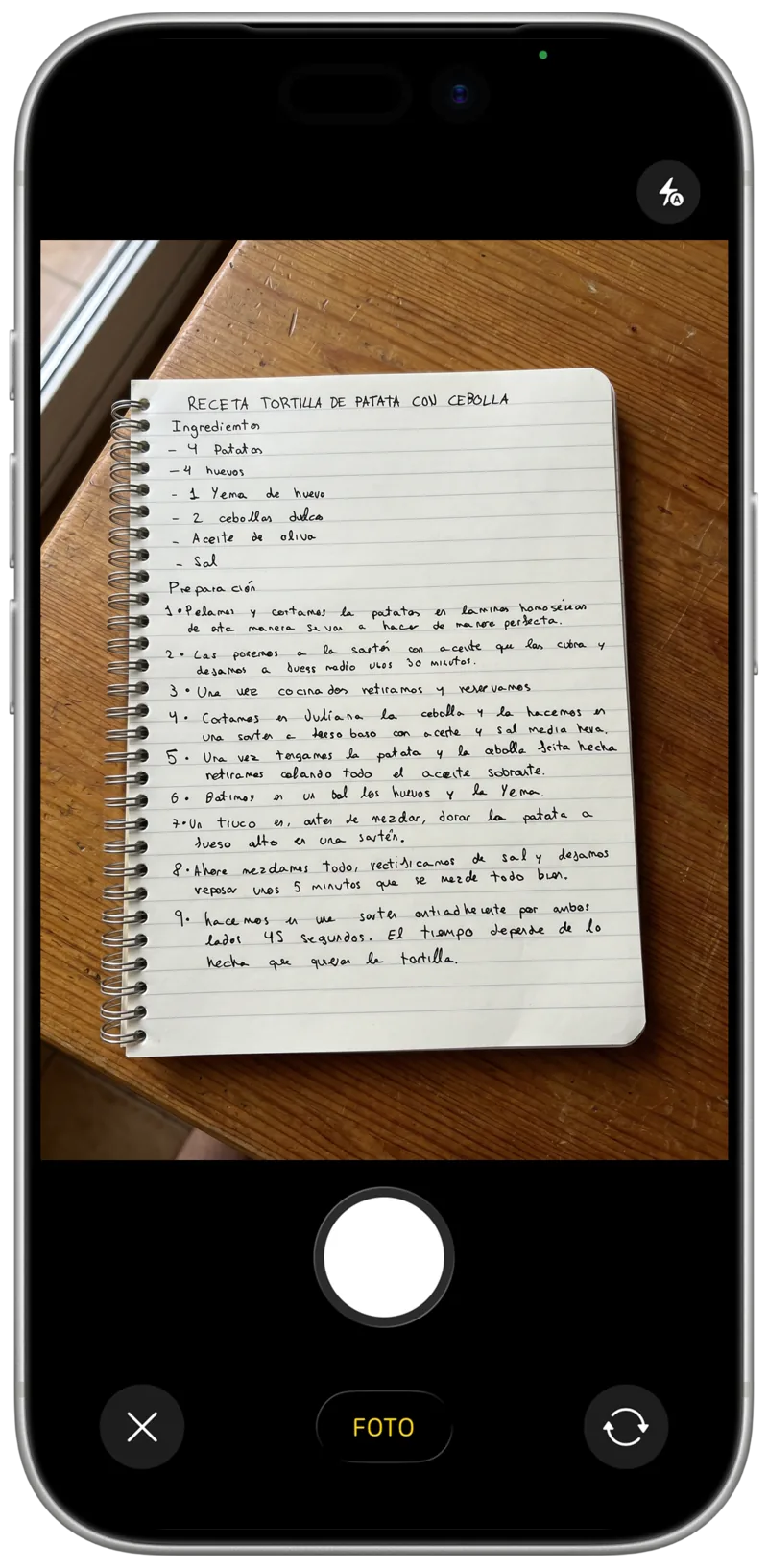
Take a photo
Point the camera at the recipe, or pick up to two photos from your gallery.
AI reads it
Title, ingredients and steps, each in its place.
Check it and cook
Fix what you like, add it to a collection and plan it for the week.
Frequently asked questions
Can I digitize handwritten recipes?
Yes. CookNest reads both printed and handwritten text. The clearer the writing and the photo, the better the result, and you can always check it before saving.
Does it work with cookbooks and magazines?
Yes. Take a photo of the cookbook page or the magazine clipping and the AI separates the title, the ingredients and the steps.
Can I use a photo I already have?
Yes. Take the photo on the spot or pick it from your gallery. If the recipe runs over two pages, add up to two photos.
What if something comes out wrong?
Before saving you can fix any ingredient or step, add anything missing and change the order. You always have the final say.
Is the recipe saved for good?
Yes. Once digitized, it lives in your cookbook and works offline too, even if the paper gets lost or damaged.
Is digitizing free?
Digitizing from a photo is a CookNest PRO feature. The free plan includes 3 automatic imports a week from links and videos, and as many recipes as you want to type in yourself.
More about importing from links