
Your recipes, organized exactly the way you like
Group them into collections: desserts, quick dinners, grandma's. And share any of them with the people you cook with.
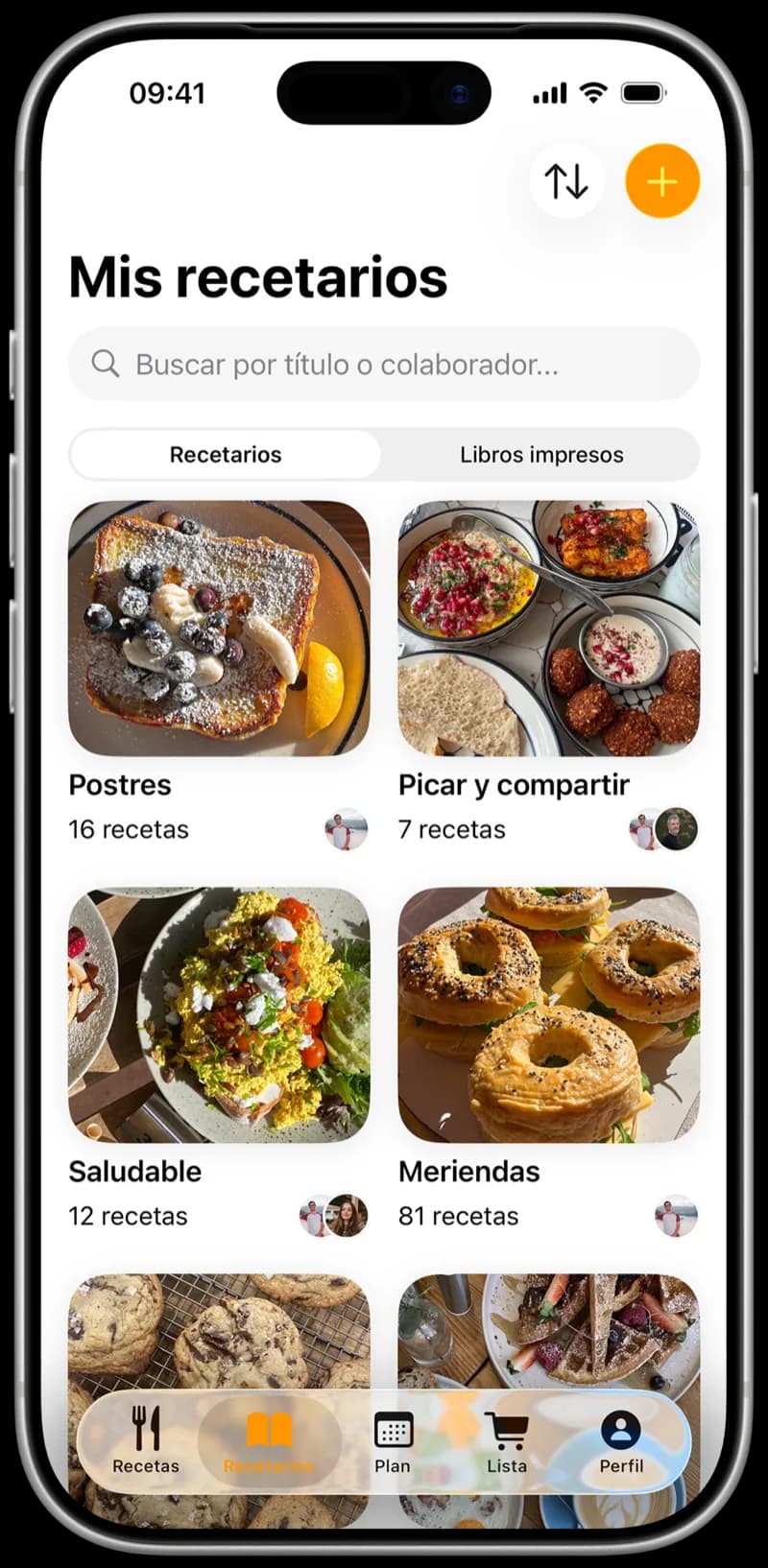
My collections

Desserts
16 recipes
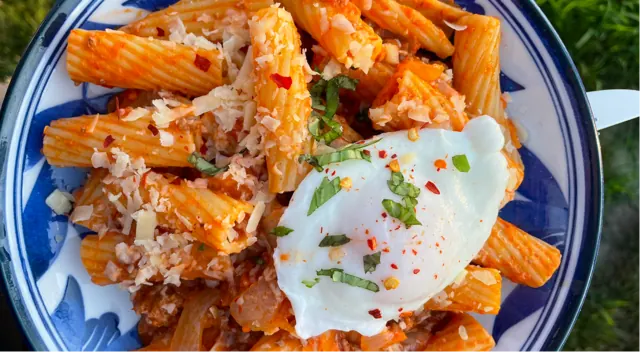
Quick dinners
31 recipes
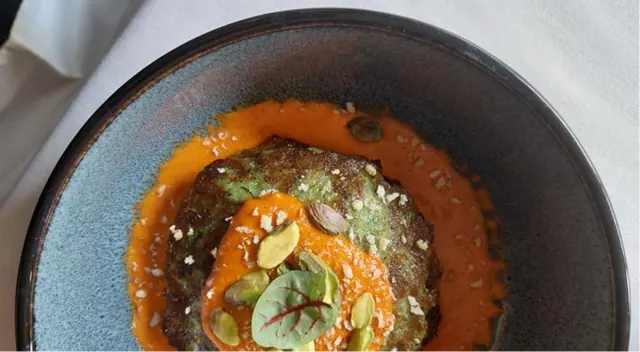
Grandma's
7 recipes


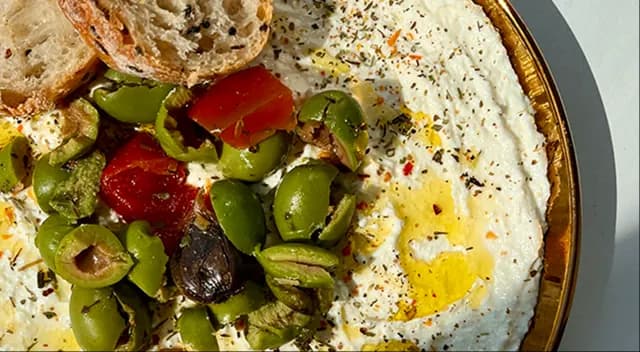
Appetizers
12 recipes
Sorted your way
By dish, by occasion or by person: you decide.
 CookNestNew collection
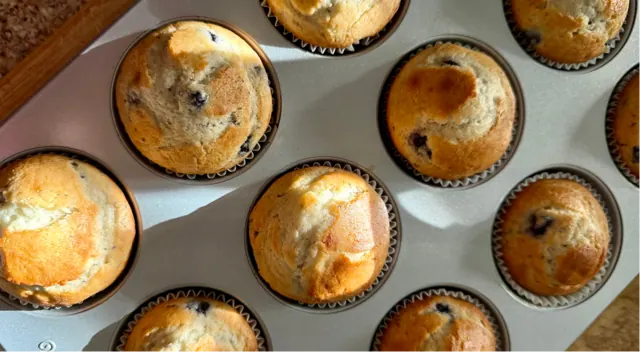 CoverNameSunday bakingCreate
Your name, your cover
Call it anything and give it the photo you like best.
- CookNestAdd to a collection
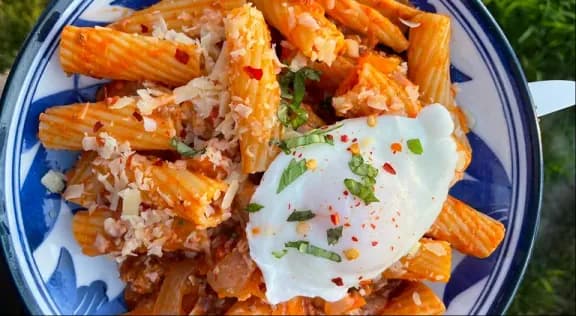 Rigatoni with meat ragùIn 2 collections
- Quick dinners
- Grandma's
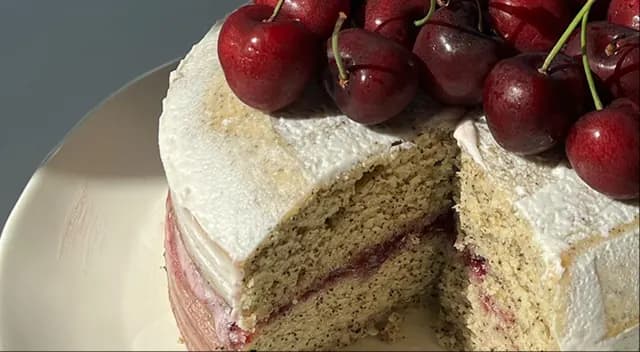 For guests
One recipe, several collections
It's the same recipe in all of them, so a change shows up everywhere.
For guests
9 recipes

 4 collaboratorsInvite collaborators
Shared with your people
Invite family or friends with a link, and everyone adds recipes.
And some fill themselves:
- Favorites
- Cooked
- To cook
- Unsorted
How it works
From a pile of recipes to a tidy cookbook.
Create a collection
Tap +, give it a name and, if you like, a cover.
Add your recipes
Open a recipe and add it to one collection, or to several.
Invite your people
Send the link to family or friends so they can add recipes too.
Frequently asked questions
How many collections can I create?
As many as you want, with the names that suit you. Collections are free.
Can one recipe be in several collections?
Yes. It's the same recipe in each one, so you can sort it by dish and by occasion without making copies.
Can I share a collection?
Yes. Invite family or friends with a link. Anyone who joins can add recipes and make changes, and you can remove a collaborator whenever you want.
What are Favorites, Cooked, To cook and Unsorted?
Collections that fill themselves: the recipes you love most, the ones you've made, the ones you haven't made yet and the ones that aren't in any collection.
How do I find a specific recipe?
Open its collection, or search by title, author or ingredient.
More about search
Can I see my collections offline?
Yes. They sync across your devices and work without a connection too.