
Decide what you'll eat this week in five minutes
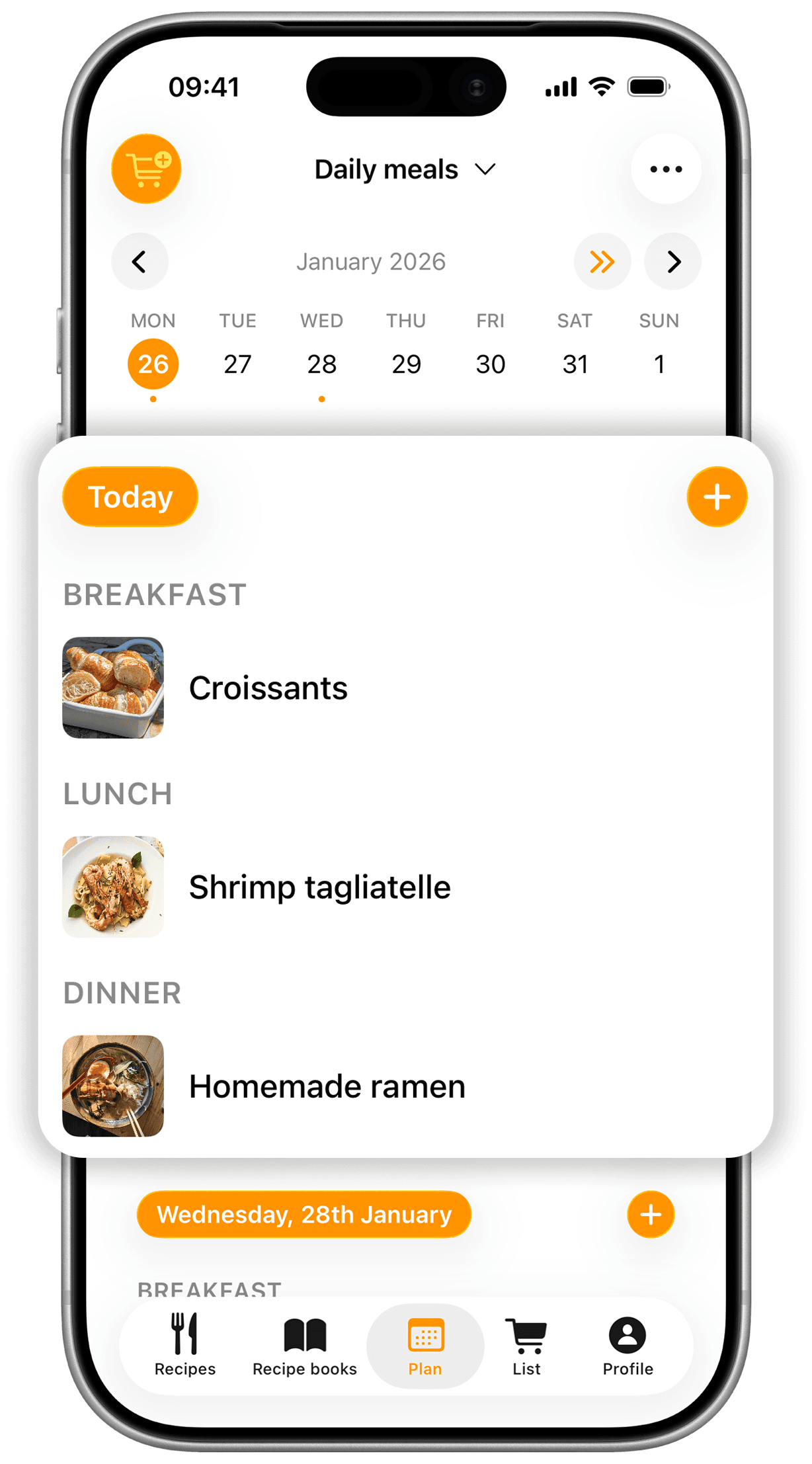
Plan each day's meals in a few minutes. With PRO, your whole menu goes to your shopping list in one tap.
 CookNestToday
- Mon12
- Tue13
- Wed14
- Thu15
- Fri16
- Sat17
- Sun18
- Breakfast
 Blueberry pancake
- Lunch
 Rigatoni with meat ragù
- Dinner
 Zucchini fritters
Add the week to the list
The whole week, sorted
What's cooking each day, and what to buy for it.
- CookNestThis week
- MonRigatoni with ragùLunch
- Tue
 Crispy rolls with dipDinner
 - Wed
 Avocado toastBreakfast
 - Thu
 Blueberry muffinsAfternoon snack
Your recipes, day by day
Pick from your cookbook, or just write a simple dish like “Leftovers”.
- Mon
- CookNestSaturday
Note
Guests for dinner. Buy bread and wine.
- Dinner
 Whipped feta with olives
 Burrata with grilled bread
A note for each day
Guests coming or something to defrost: write it on the day.
- CookNestShopping list
- Rigatoni500 g
- Ground beef400 g
- Zucchini3
- Burrata2
Olive oil and salt: already in your pantry.
The week's shopping, in one tap
With PRO, the week's ingredients go to your list at once. What's already in your pantry stays out.
Then go shopping with the shopping list
How it works
Your week, ready before Monday.
Fill in the week
Pick a day and a meal, then add one of your recipes or write a simple dish.
Change it when plans change
Move a meal to another day or swap it. With PRO, save the week's menu to use again.
Send it to your list
Add each recipe's ingredients to your list in one tap. With PRO, tap the cart and the whole week goes.
Frequently asked questions
How do I plan my weekly menu?
Open the plan, pick a day and a meal (breakfast, lunch, dinner or a snack) and add one of your recipes. You can also write a dish without a recipe. In a few minutes the week is done.
Short on ideas? Save recipes from Instagram or TikTok
Can I make the shopping list from the plan?
Yes, with CookNest PRO: tap the cart and the week's ingredients go to your shopping list. What's already in your pantry comes unticked, so you don't buy it twice. On the free plan, you add each recipe's ingredients to your list in one tap.
Then go shopping with the shopping list
Can I change the plan mid-week?
Of course. Move a meal to another day, swap it for another recipe or remove it whenever you like. With PRO, when a week works out well, save the menu and use it again.
Does the planner account for servings?
Yes. When you send the plan to your list you choose the servings for each meal, and the quantities match how many of you there are.
Can I share the plan with someone?
Yes. Invite your partner or whoever cooks with you and you'll share the same weekly plan.
Is the planner free?
Yes: this week and next, in one plan of your own. With CookNest PRO you can plan any week, keep more than one plan, save menus to reuse, send the whole week to your list and see the plan's calories.