The My Recipe Box alternative for your computer too
Bring your My Recipe Box backup across in one go. Then cook from your phone or plan at your desk, whichever is closer.
4.8 on the App Store · 2,534+ ratings
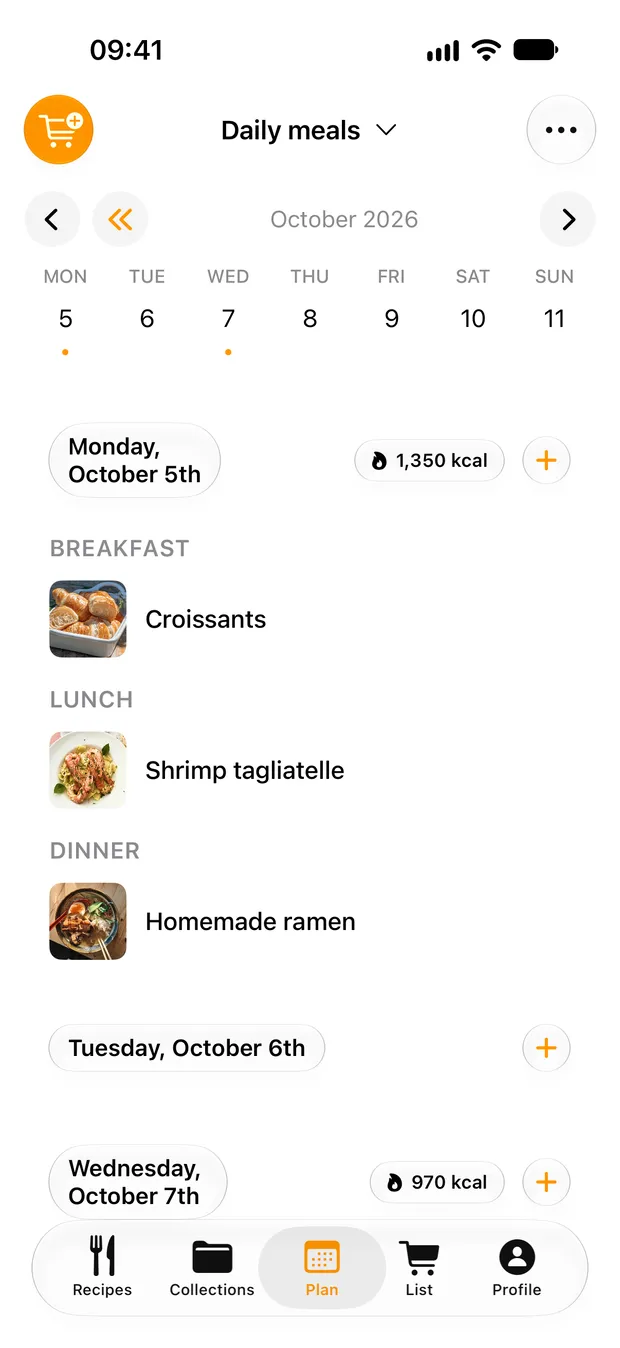
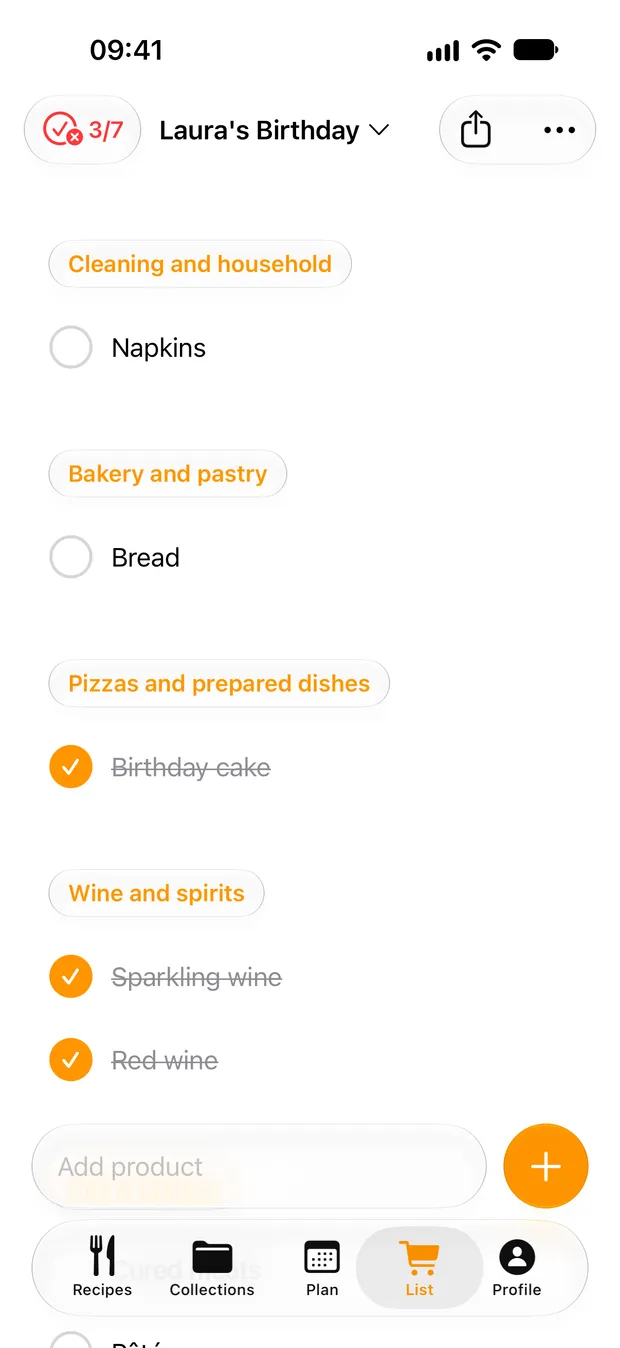
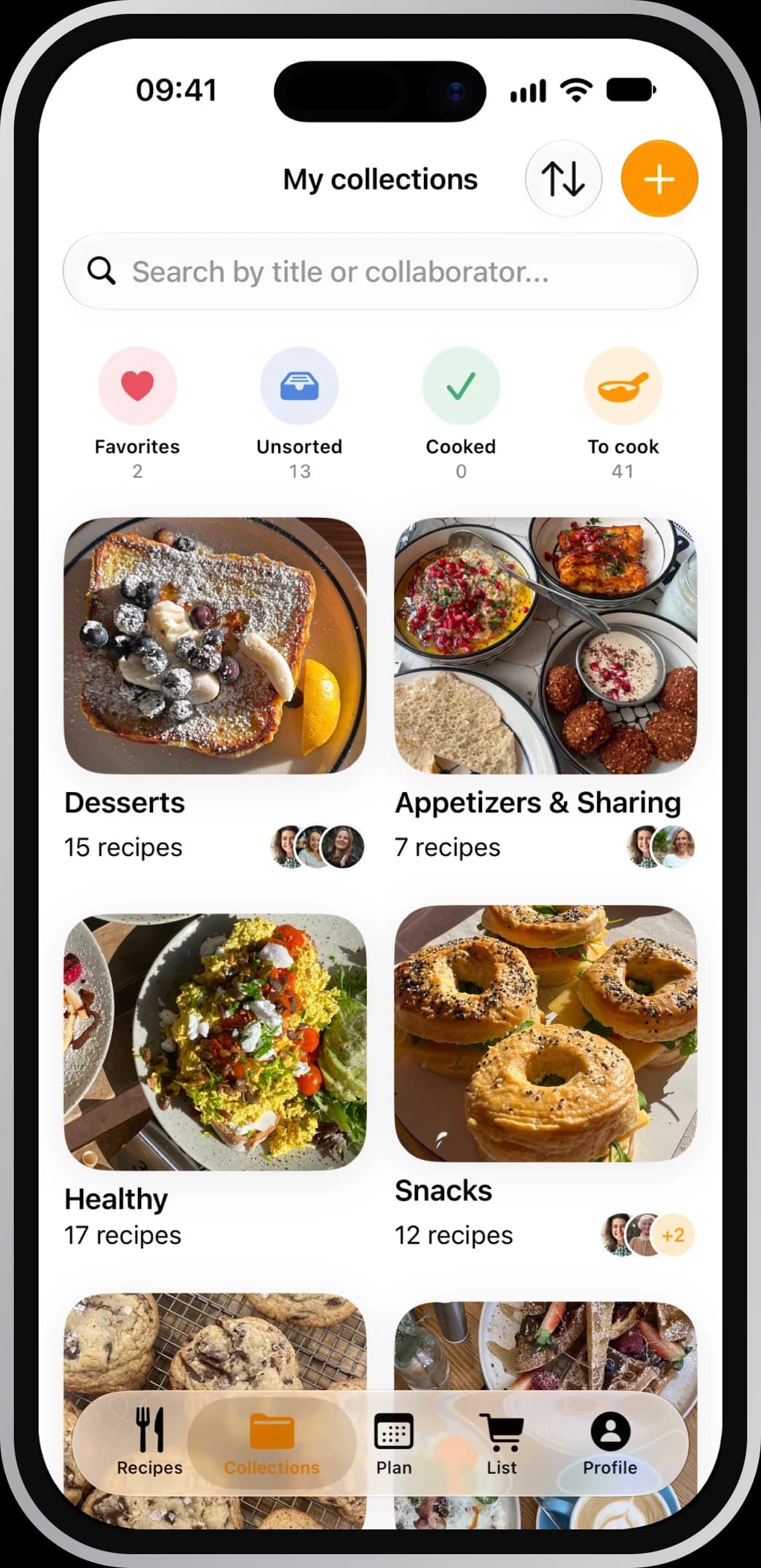
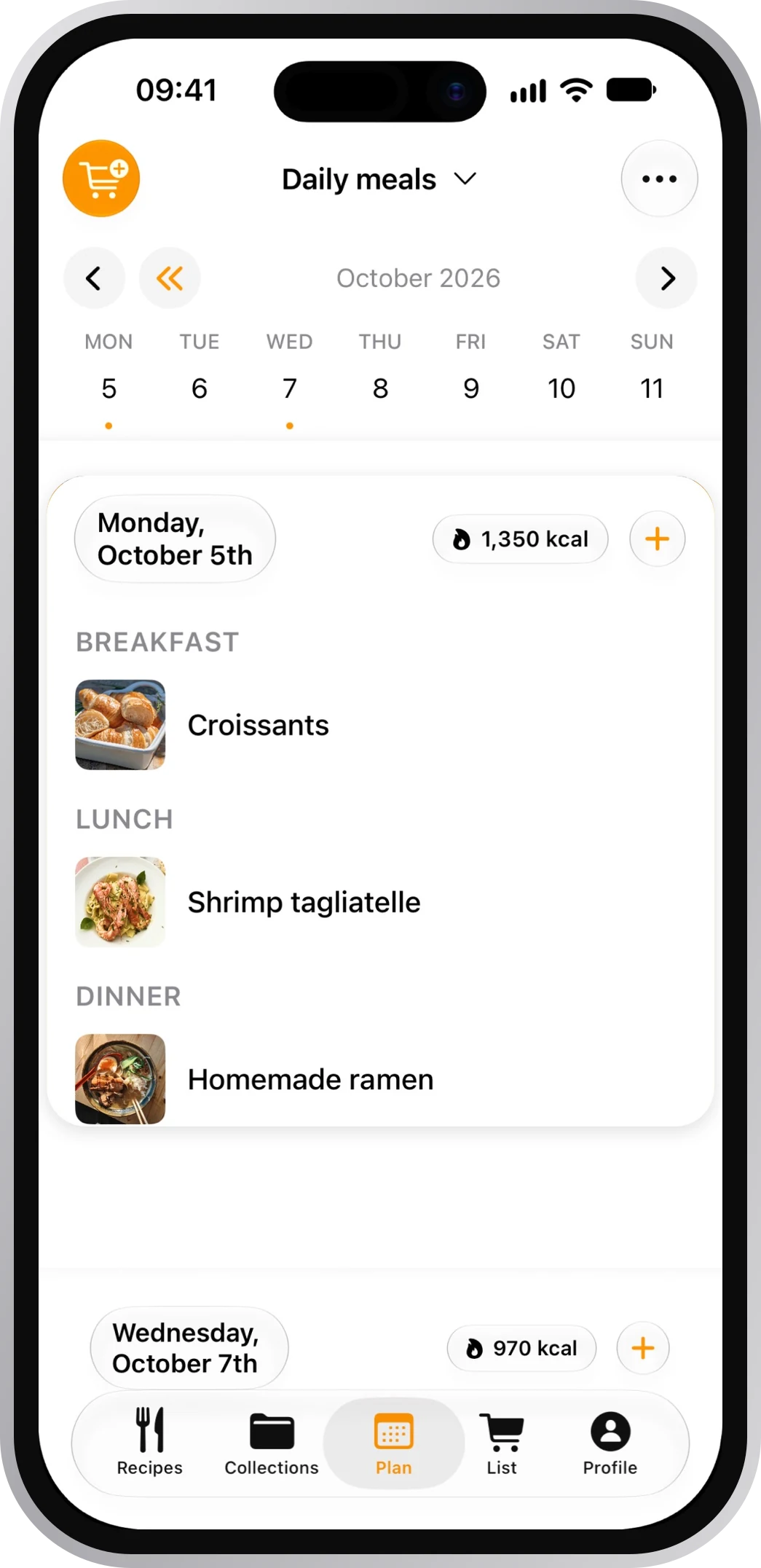
Your recipes, wherever you are
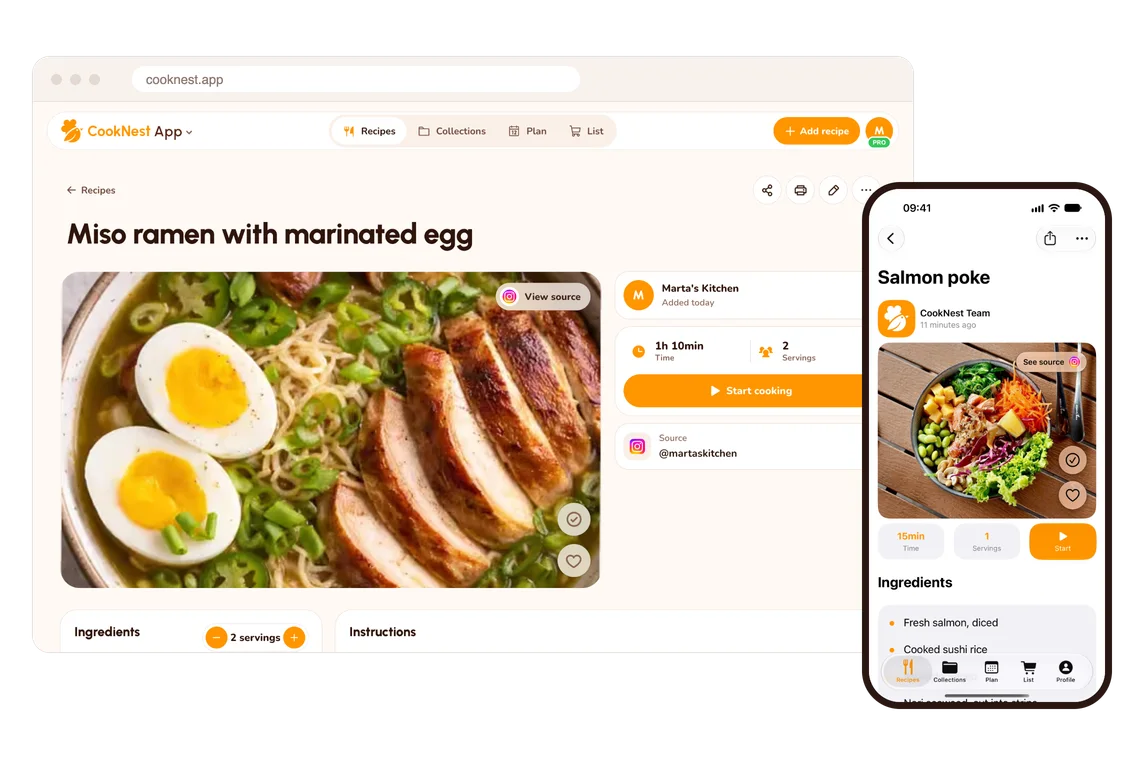
At your desk, in your browser
Sign in at cooknest.app on Windows or Mac and your recipes, plan and list are there.
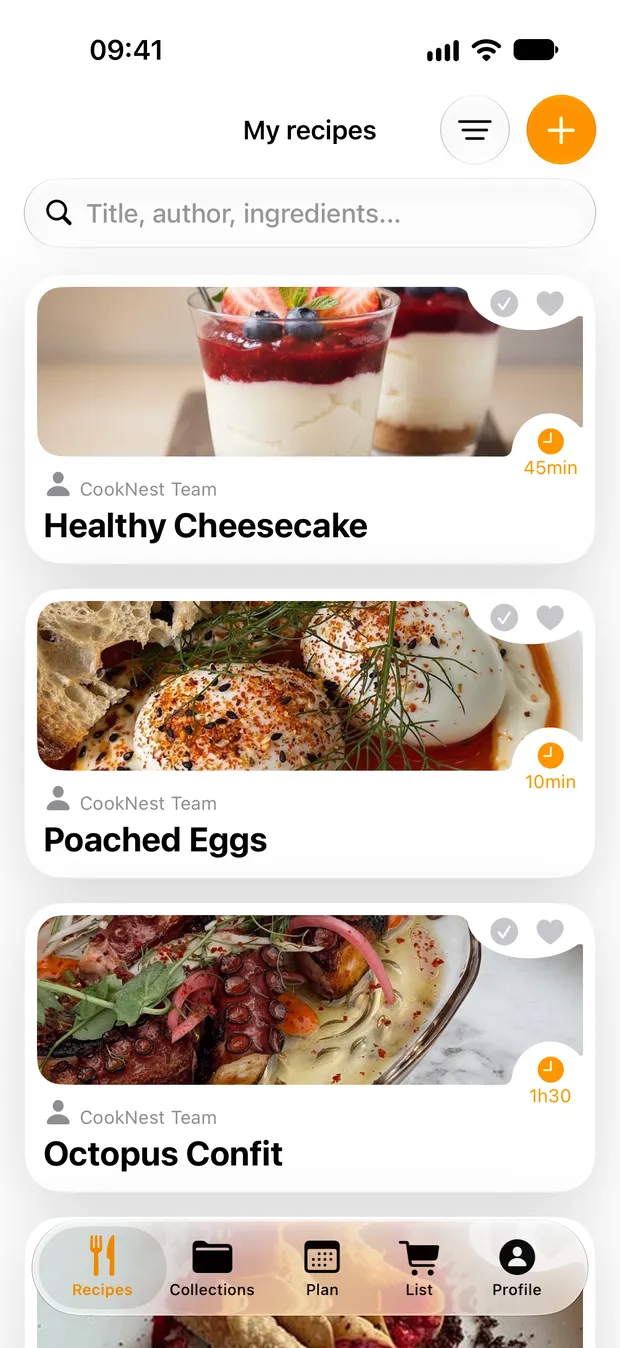
The whole box, in one go
Choose the .rtk file and every recipe comes across with its photo.
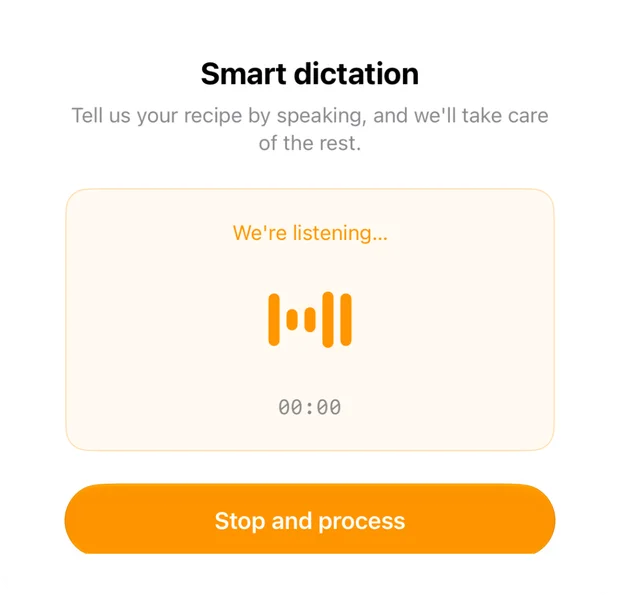
Grandma's recipes, spokenPRO
Read them aloud and get a tidy recipe back, with PRO.
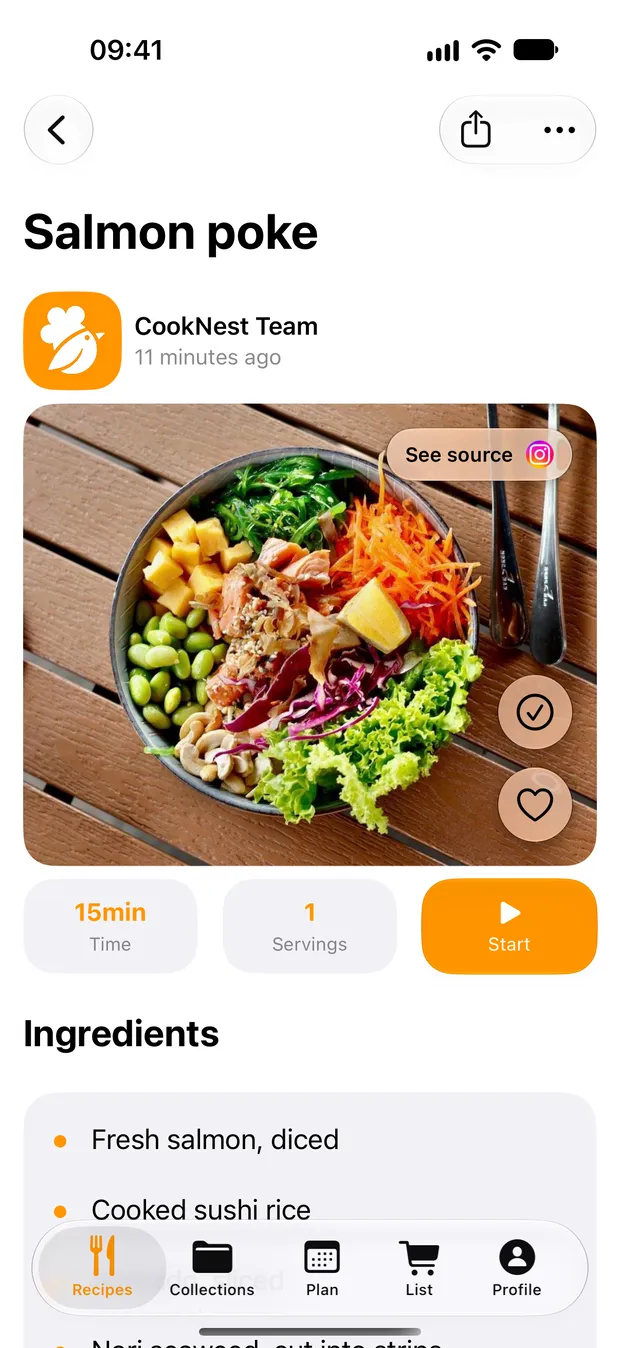
A calm page at the stovePRO
Each recipe on one page. Cook mode (PRO) takes it a step at a time, with timers.
A real book of your favorites
Order a printed, bound cookbook from CookNest Books, shipped across the EU.

CookNest and My Recipe Box, side by side
| CookNest | My Recipe Box | |
|---|---|---|
| Web app for any computer | CookNestYes | My Recipe BoxPartly. Its help says it is available only on Android and iOS, on Macs with Apple silicon, or through an Android emulator on a PC.Help centerWebsiteWebsite |
| Order a printed, bound cookbook | CookNestYes | My Recipe BoxNot offeredHelp centerApp Store |
| Dictate a recipe, written up for you | CookNestYesPRO | My Recipe BoxNot offeredHelp center |
| Browser extension | CookNestYes | My Recipe BoxNot offeredHelp center |
| Your shopping list on your Apple Watch | CookNestYes | My Recipe BoxNot offeredApp Store |
We make CookNest, so we're not neutral. Facts about My Recipe Box come from its own website, its help center and its store listings, checked November 3, 2026. Not offered means nothing about it on that app's own help pages, site or App Store listing when we checked them.
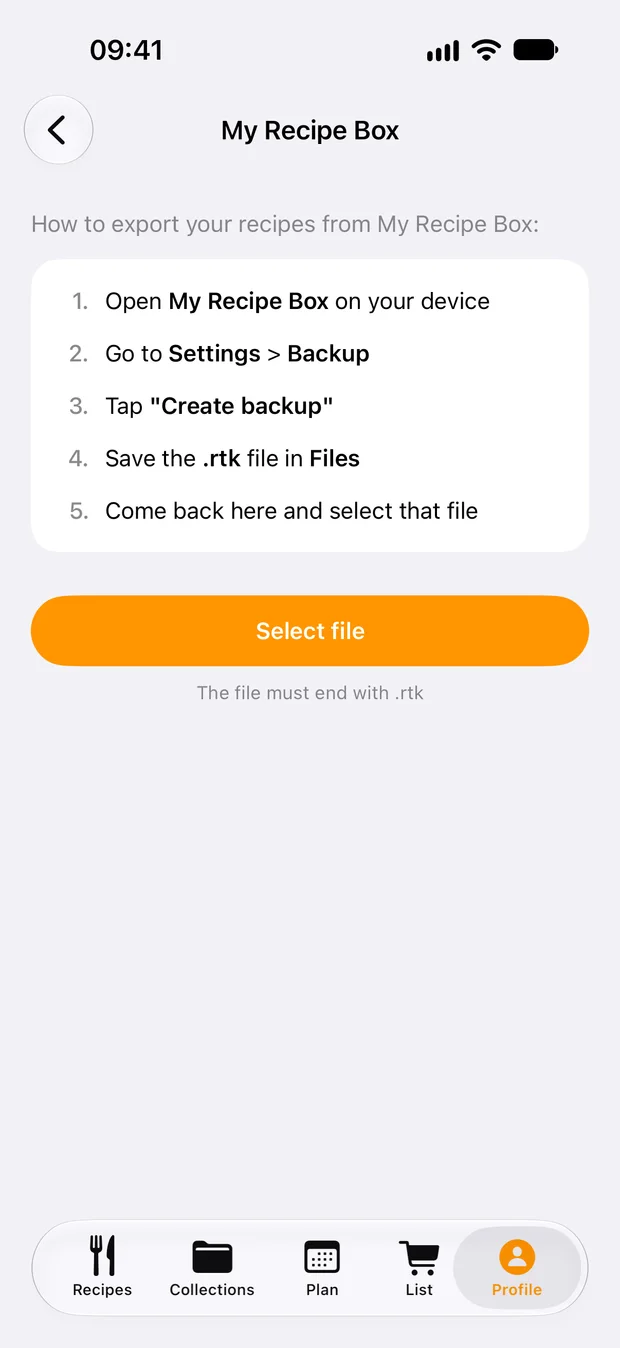
Move your library in three steps
CookNest reads the .rtk backup in its iPhone and Android apps, however many recipes it holds.
Create a backup
In My Recipe Box, tap Sync in the bottom bar, then Create a backup under Manual backup, and save the .rtk file on your phone.
Help centerWebsiteWebsiteOpen the importer
In CookNest: Profile, Your recipes, Import recipes. Pick My Recipe Box and tap Select file.
Import it all
Check what it found and tap Import all. Titles, ingredients, steps, servings and a photo per recipe arrive, ready to sort.
Choose My Recipe Box if…
- you keep your files in Dropbox, Google Drive, pCloud or WebDAV and want your recipes synced there. Help center
Frequently asked questions
Can I use my recipes on a PC?
Yes. The CookNest web app runs in any browser on Windows or Mac, with the same account as your phone, so you can use a real keyboard.
How do I move from My Recipe Box?
Create a backup in the app, then in CookNest go to Profile, Your recipes, Import recipes and select the .rtk file. It's free.
Is CookNest free?
Yes, no credit card needed, and the .rtk import is free too.