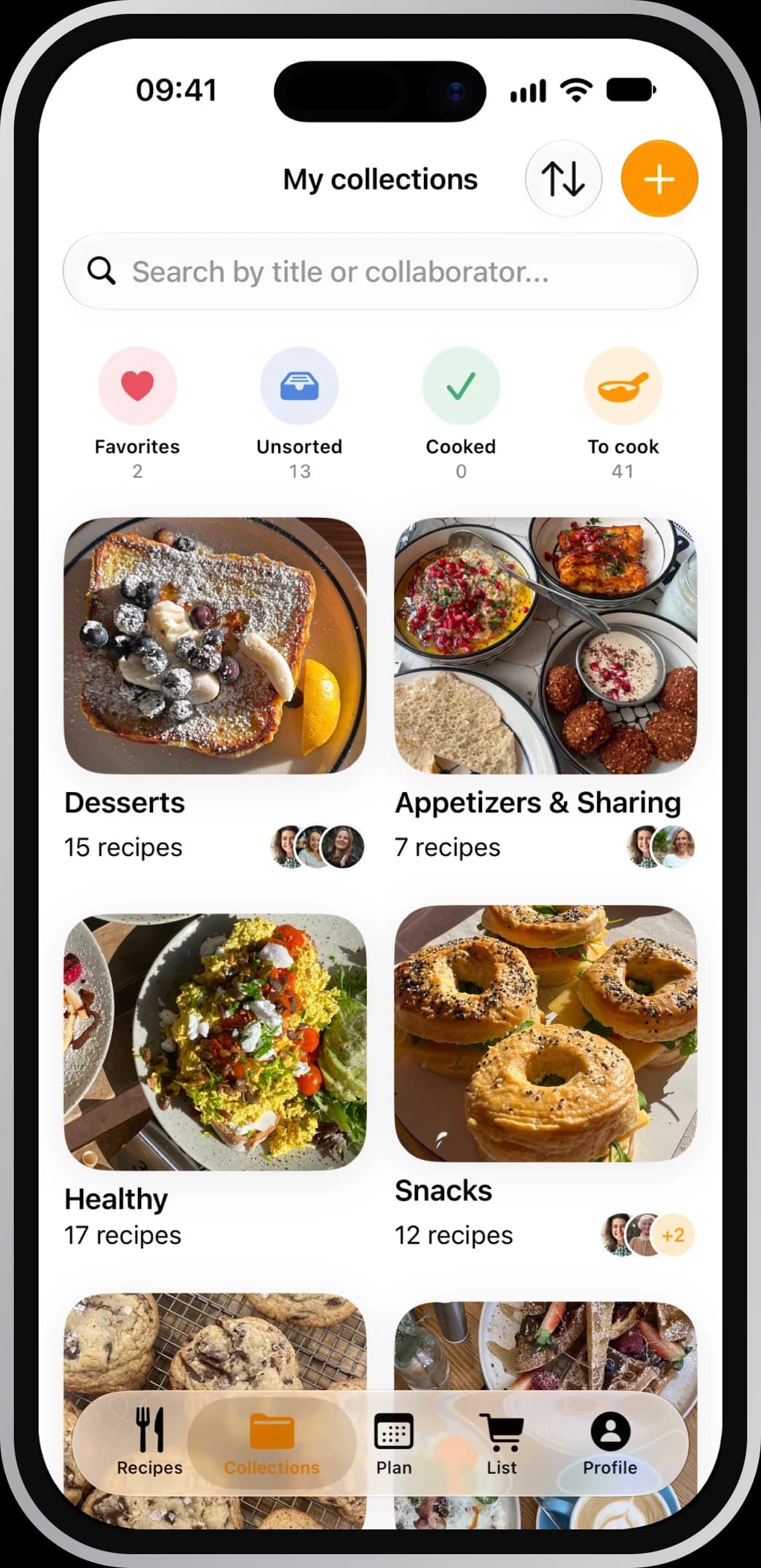
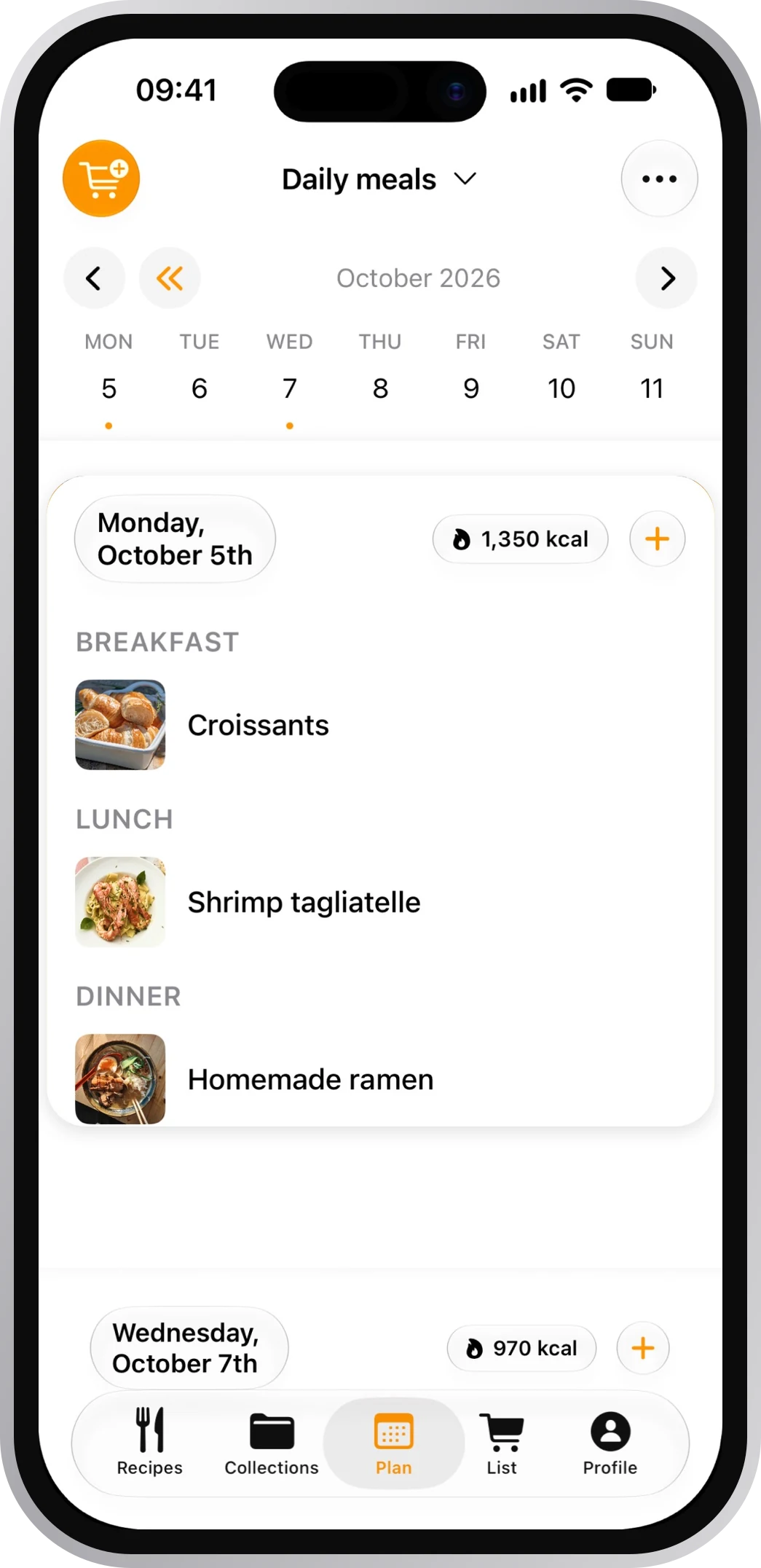
The Paprika alternative that brings your whole library
Your Paprika recipes come across in one go, photos and all. From then on they're with you on every screen, and one day on your shelf.
4.8 on the App Store · 2,534+ ratings
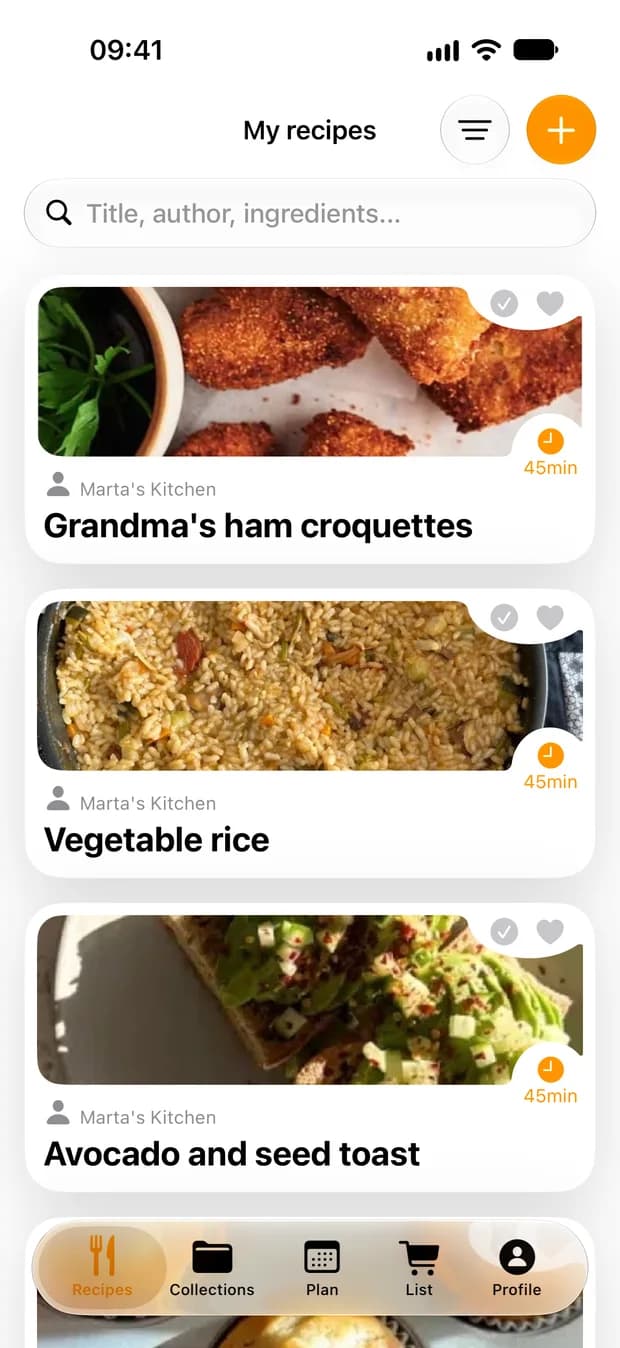
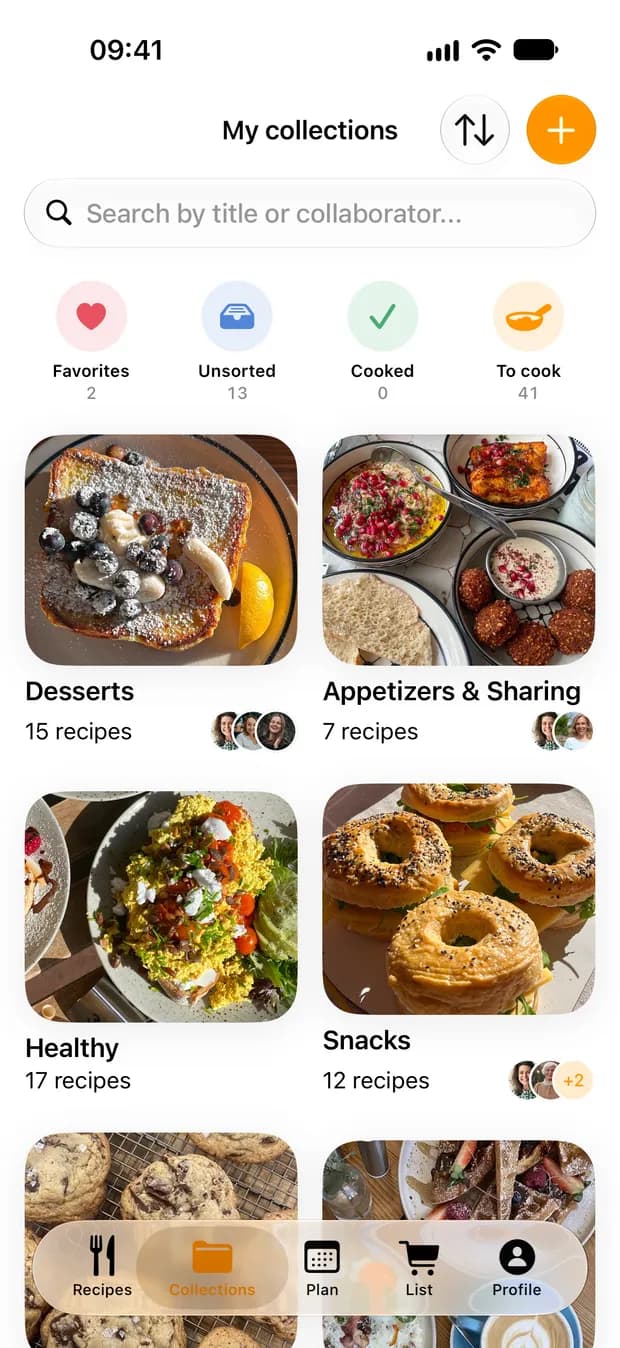
Your library, ready for the stove
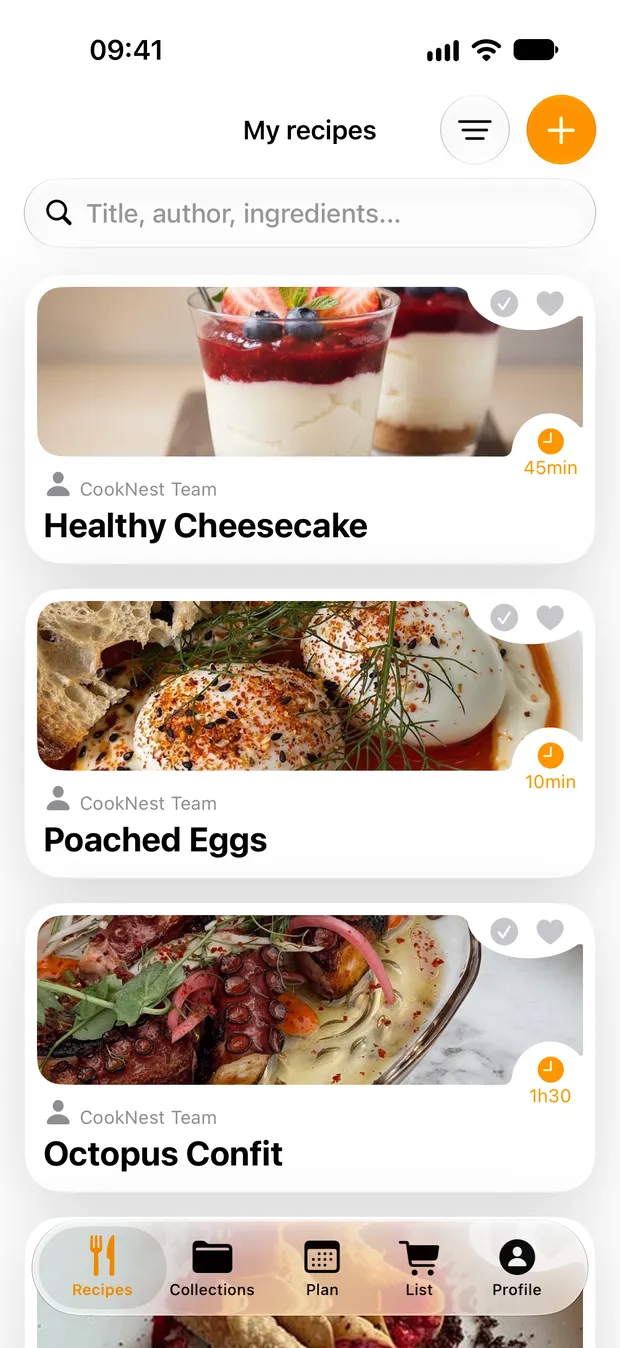
Everything comes across
Open the importer, pick your .paprikarecipes file and every recipe arrives with its photo.
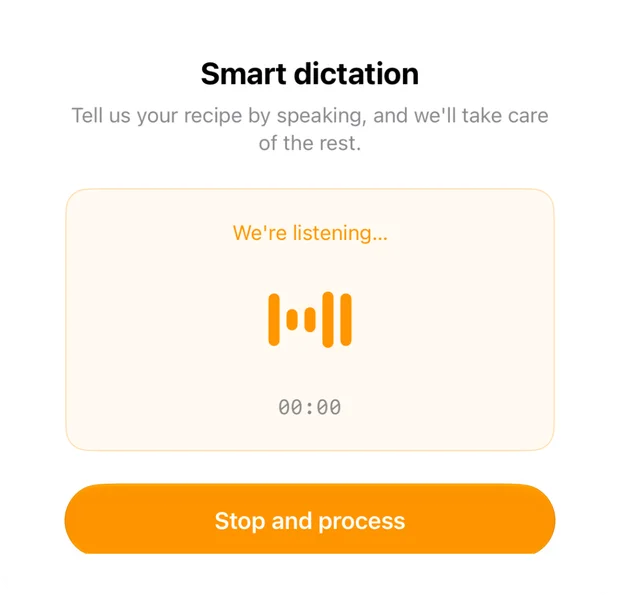
Tell it a recipePRO
Read grandma's handwriting aloud and get a clean recipe back, with PRO.
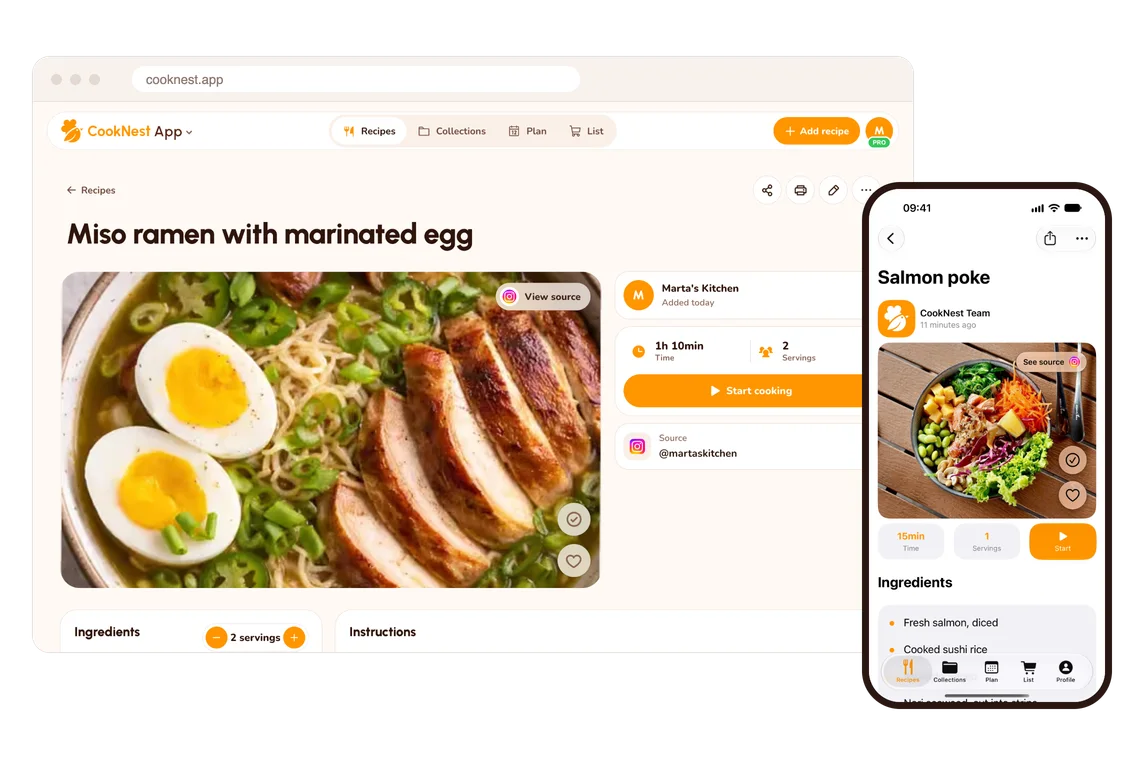
On your phone and your laptop
One free account on iPhone, Android and any browser.
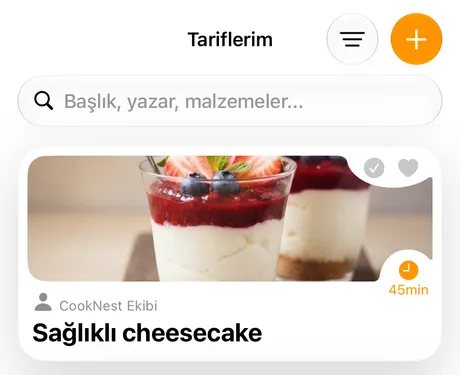
Every cook, their own language
The app speaks more than 30 languages.


From library to bookshelf
Your favorites, bound into a real cookbook by CookNest Books. We ship it anywhere in the EU.

CookNest and Paprika, side by side
| CookNest | Paprika | |
|---|---|---|
| Web app on the same account | CookNestYes | PaprikaNot offeredHelp center |
| Reels and TikToks, spoken recipes too | CookNestYes | PaprikaPartly. Paprika 4 beta, marked Premium: reads the recipe from the text of the post.Paprika 4 guide |
| Dictate a recipe, written up for you | CookNestYesPRO | PaprikaNot offeredHelp centerPaprika 4 guide |
| More than 30 languages | CookNestYes | PaprikaPartly. 16 languages.App Store |
| Order a printed, bound cookbook | CookNestYes | PaprikaNot offeredHelp center |
We make CookNest, so we're not neutral. Facts about Paprika come from its help center and its store listings, checked November 2 and 3, 2026. Updated November 3, 2026. Not offered means nothing about it on that app's own help pages, site or App Store listing when we checked them.
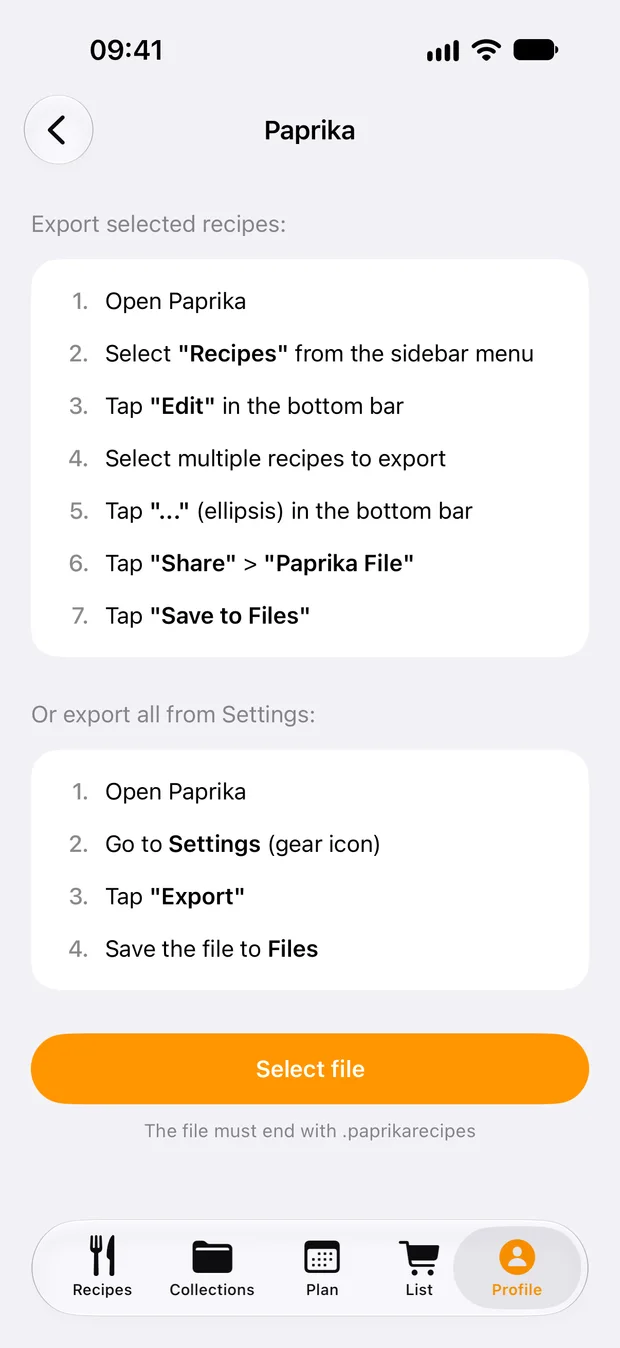
Move your library in four steps
CookNest reads the .paprikarecipes file in its iPhone and Android apps, however many recipes it holds.
Get the file
On iPhone or Android: Settings, Export Recipes, Paprika Recipe Format. On a computer: File, Export, Paprika Recipe Format.
Android guideHelp centerMac guideWindows guideOpen the importer
In CookNest: Profile, Your recipes, Import recipes. Choose Paprika and tap Select file.
Check and import
You see the recipes before anything is saved. Tap Import all, and skip or replace any you already have.
Sort them
Names, ingredients, directions, notes, servings, total time, source links and one photo per recipe come across. Categories, ratings and nutrition don't come across, so make a few collections.
Choose Paprika if…
- you want a pantry that tracks what you have and when it expires. Google Play
Frequently asked questions
Is there a free alternative to Paprika?
Yes. CookNest is free to start, no credit card needed, and importing your .paprikarecipes file is free too.
Can I move my Paprika recipes to CookNest?
Yes, with a .paprikarecipes file, in the CookNest app for iPhone or Android: Profile, Your recipes, Import recipes. Photos and source links come along.
Can I use CookNest on my computer?
Yes. Once imported in the phone app, your recipes are in the web app too, on the same account.
Does CookNest work on Android?
Yes, on Android and iPhone, with the same account in your browser.