Save recipes from Instagram
Share a post or a Reel. A moment later, it's a recipe you can cook.
4.8 on the App Store · 2,534+ ratings
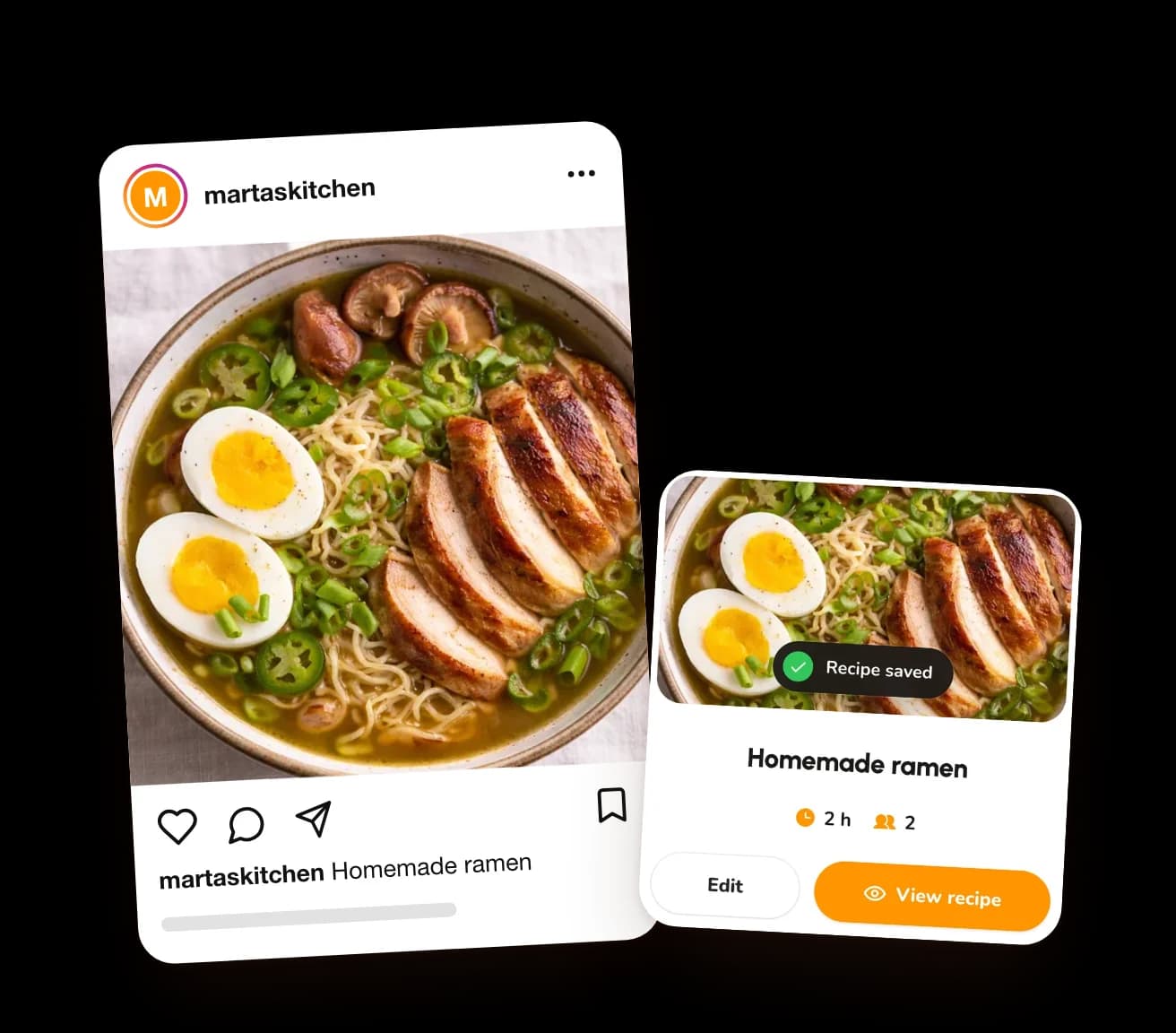
Three steps. That's it.
Share the post
Tap the paper plane under any post or Reel.
Pick CookNest
It's there with the apps you share to.
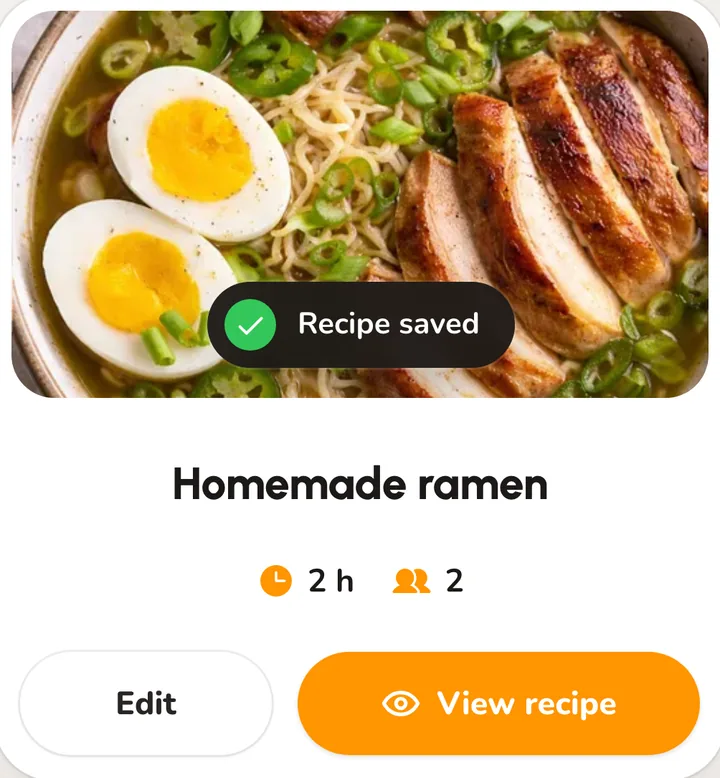
Cook
It's saved as a recipe, ready when you are.

iPhoneShare to…MoreCookNestSave
AndroidShareCookNestSave
On a computer, paste the link at cooknest.app or save it with the Chrome extension.
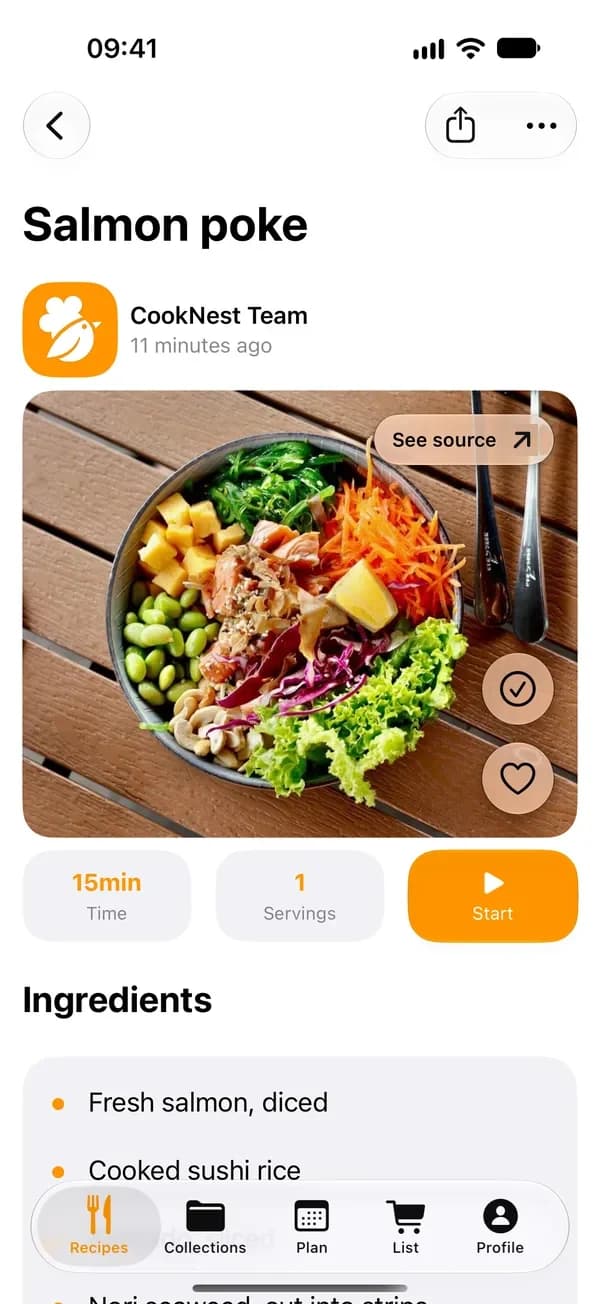
The whole recipe. Not a screenshot.
Everything you need at the stove, on one clean page.
- IngredientsAll of them, in one list.
- StepsThe method, in order.
- The photoSo you know what you're making.
- The original postSee source takes you back to the creator.
Frequently asked questions
Is it free?
Yes. CookNest is free to download, and the free plan saves 3 recipes from links every week. PRO takes the limit away.
Does it work on iPhone and Android?
On both, the same way. On a computer, paste the link at cooknest.app or use the Chrome extension.
Can I save recipes from Reels?
Yes, Reels and posts alike, including many Reels where the recipe is only spoken.
What about private accounts?
Only public posts can be saved. For a recipe from a private account, copy the caption and paste it into CookNest.
What if the post is deleted?
Your recipe stays. The text and the photo live in CookNest.