Save recipes from YouTube
No more rewinding. The whole recipe, on one screen.
4.8 on the App Store · 2,534+ ratings
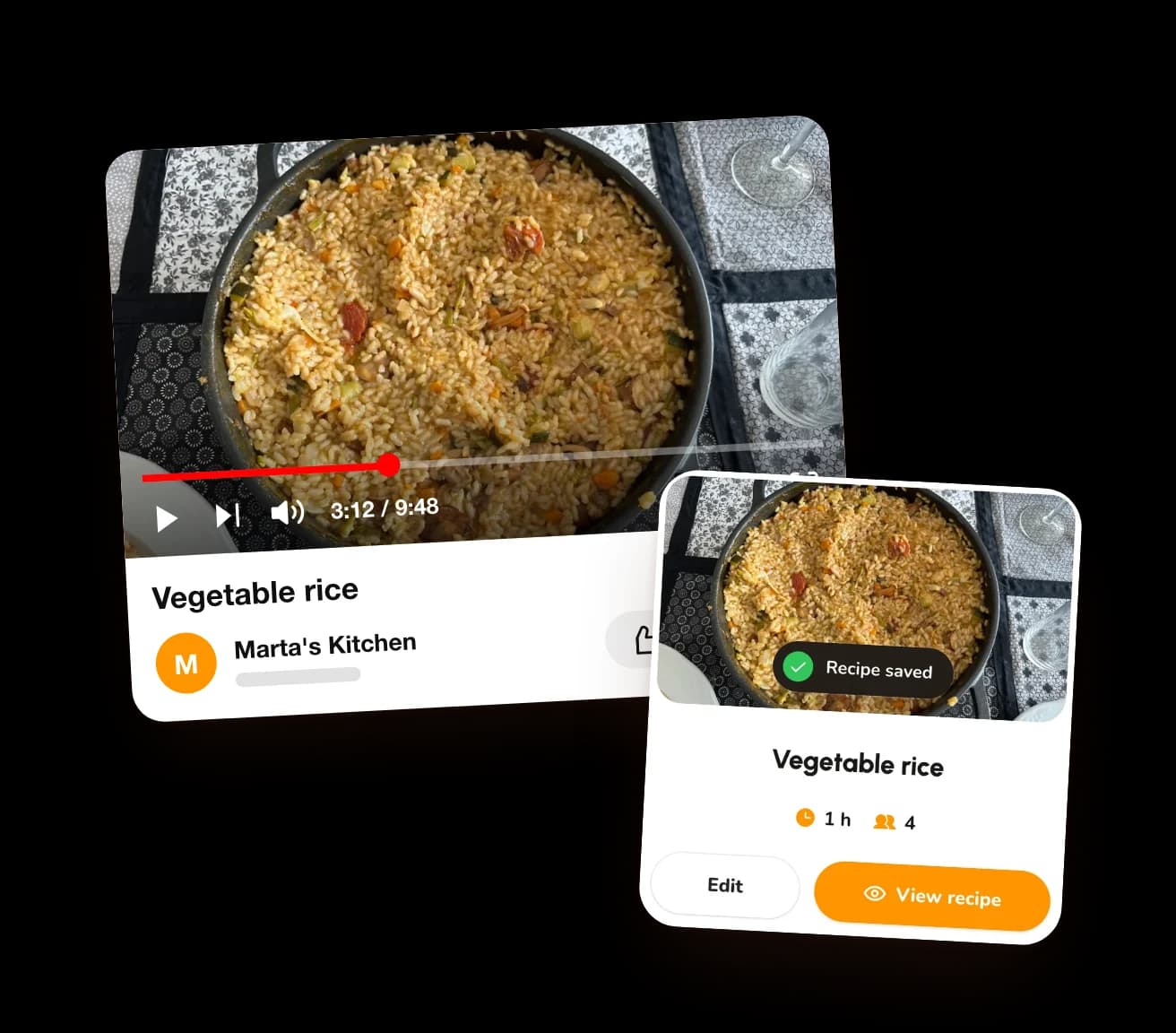
Leave the timeline alone
Tap Share
It's right under the video.
Pick CookNest
Tap More if it's not on the list.
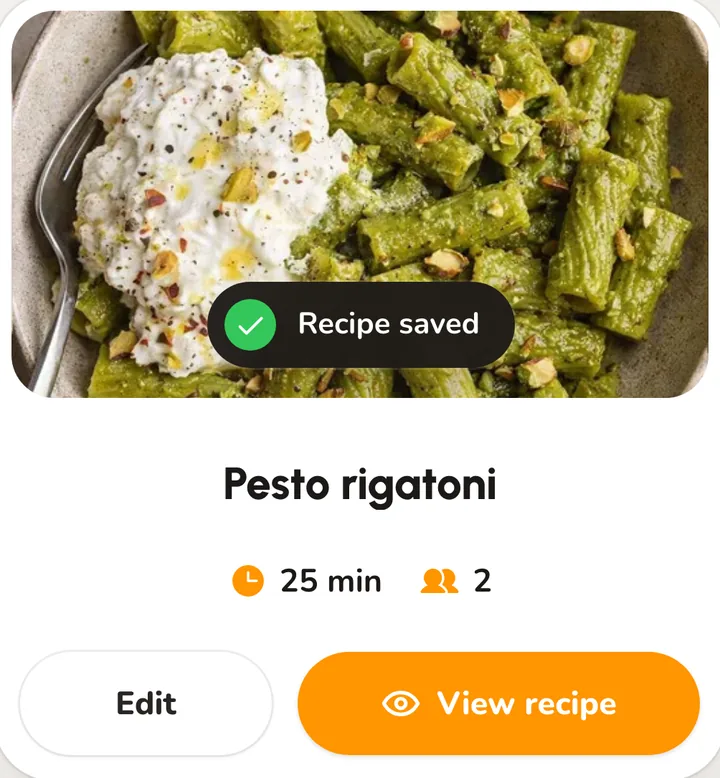
Close the video
You won't need to go back for the oven temperature.

iPhoneShareMoreMoreCookNestSave
AndroidShareCookNestSave
Watching on a laptop? Save it before the video even ends: the CookNest icon in Chrome, or the link at cooknest.app.
A long video. One short recipe.
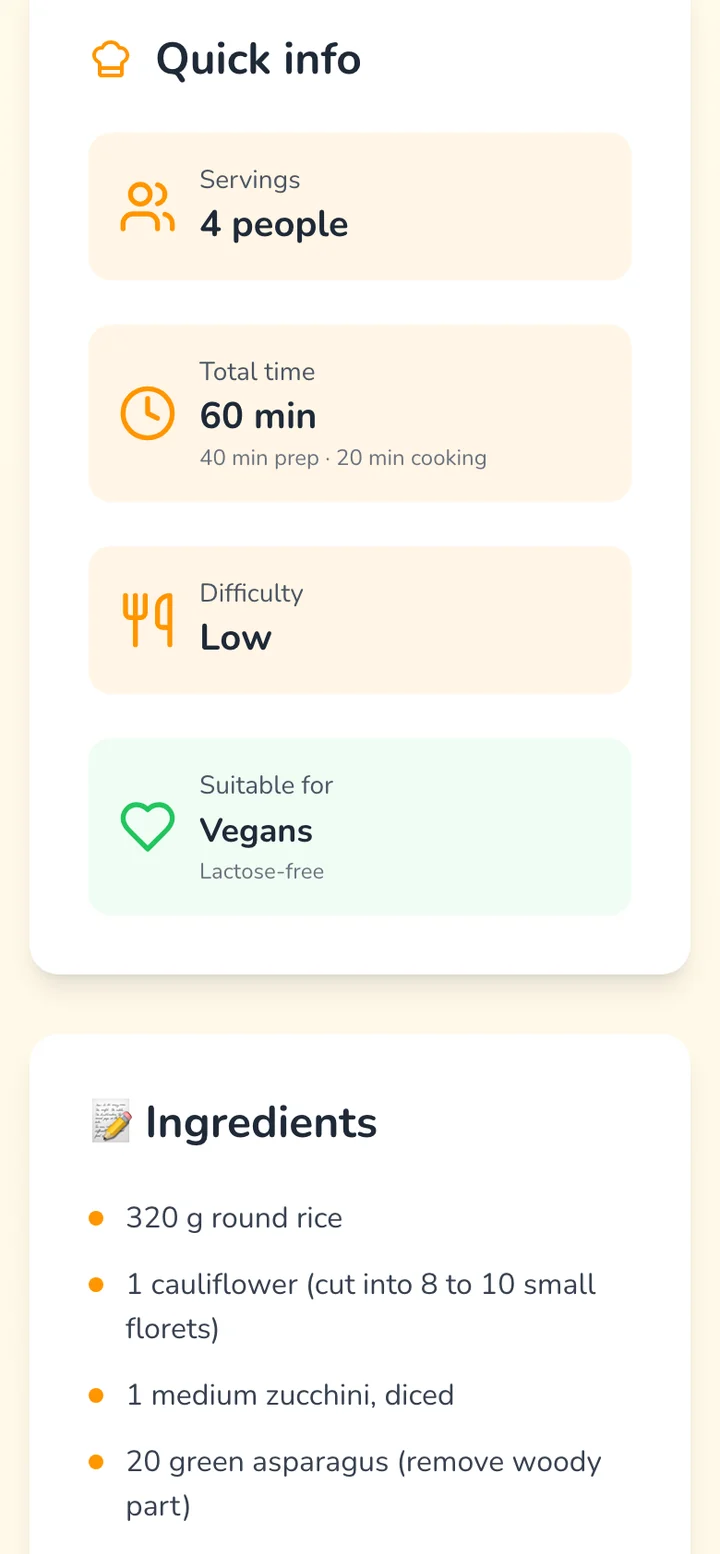
Everything you'd scrub back for, in one place.
- Time and servingsAt a glance, before you start.
- Every ingredientTogether, not scattered through the video.
- Every stepIn order, and it waits for you.
Frequently asked questions
How do I save a recipe from YouTube?
Tap Share under the video and choose CookNest. On iPhone, tap More twice to find it. Then tap Save.
Is there an app to save recipes from YouTube?
Yes, CookNest. It's free to download on iPhone and Android, with 3 recipes from links every week on the free plan and no limit on PRO.
Does it work with YouTube Shorts?
Yes. Share a Short the same way as any video.
What if the recipe is only said out loud?
It works when the video has captions or the recipe is in its description. If not, you still get the title, the photo and the link, ready to fill in.
What if the video is taken down?
The recipe stays in CookNest. Only the link back to the video stops working.