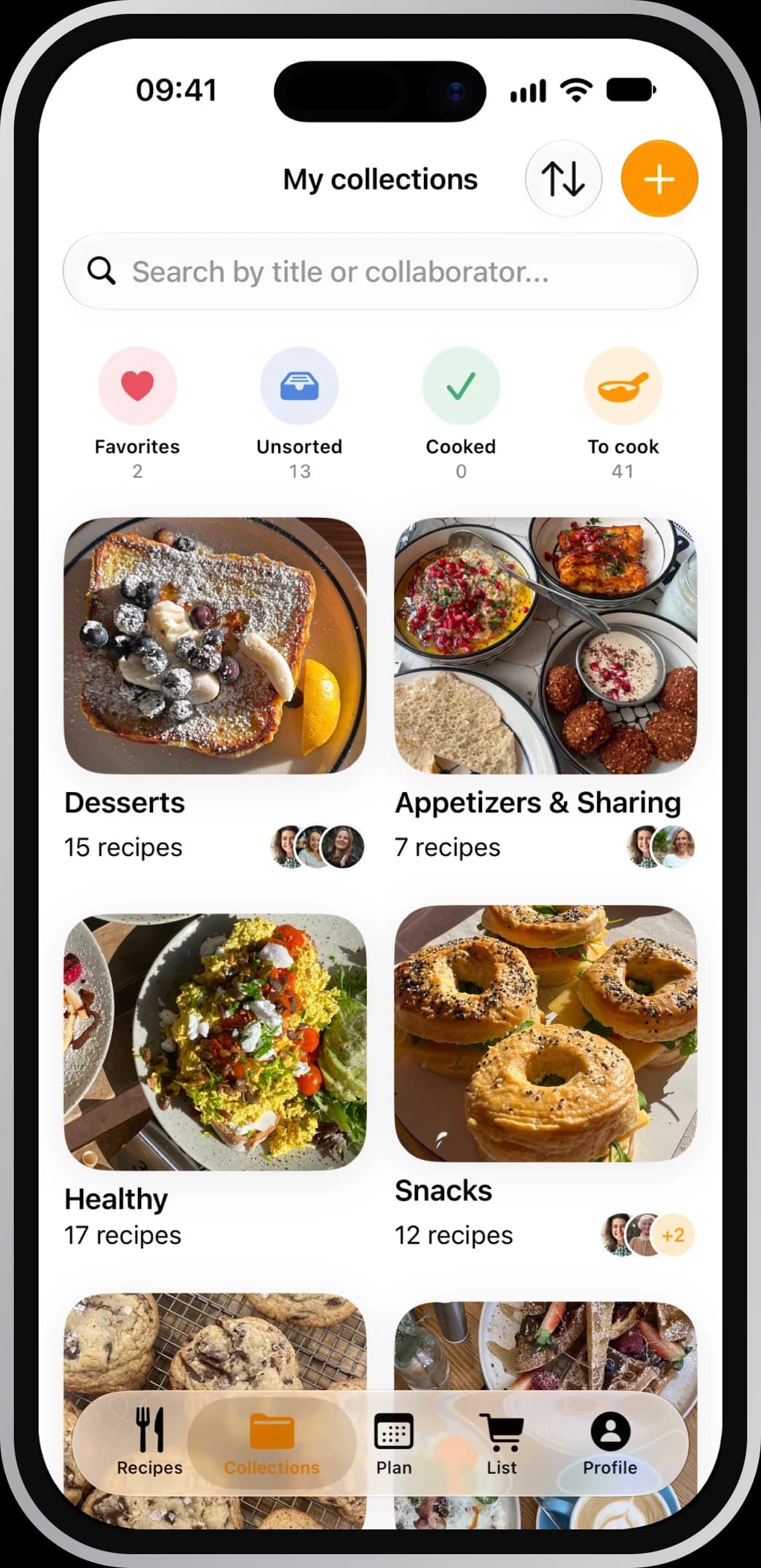
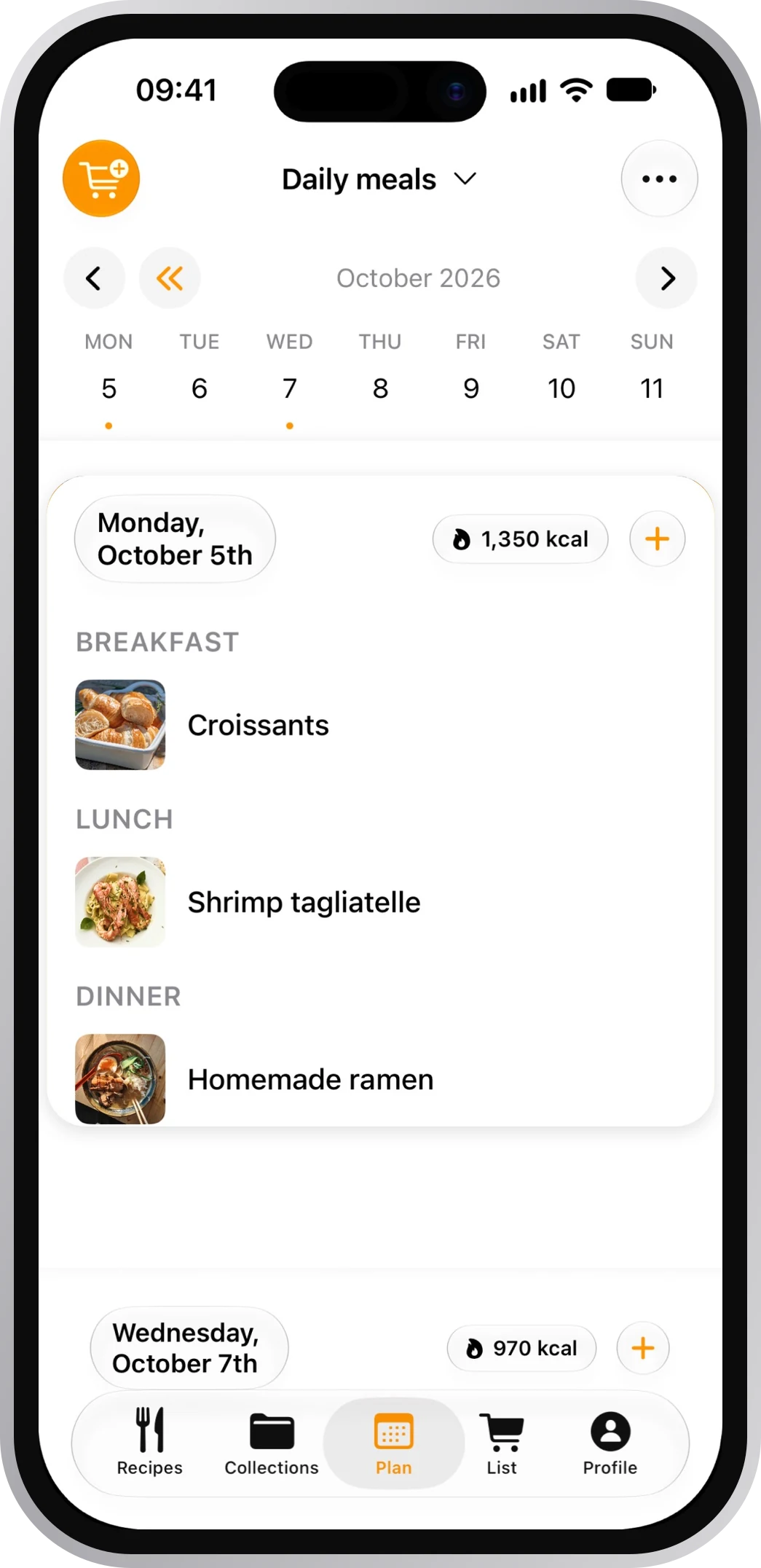
Save recipes from any website
No life story. No ads. Just the recipe.
4.8 on the App Store · 2,534+ ratings
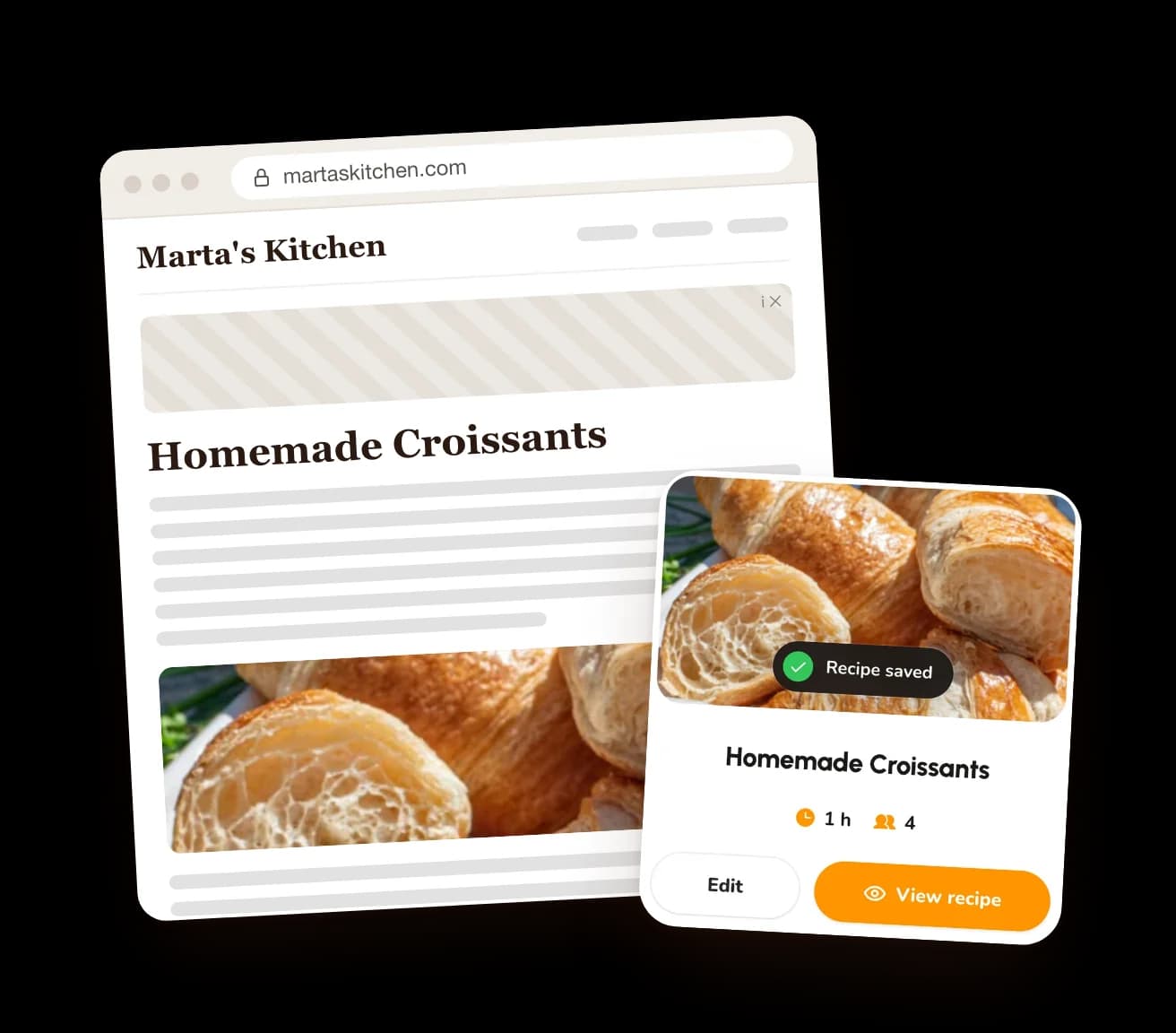
Share the page. Keep the recipe.
Share the page
It's in the menu in Safari and Chrome.
Pick CookNest
Tap More if it's not in the row.
Stop scrolling
The recipe is saved, and the site is one tap away.
iPhoneShareMoreCookNestSave
AndroidShareCookNestSave


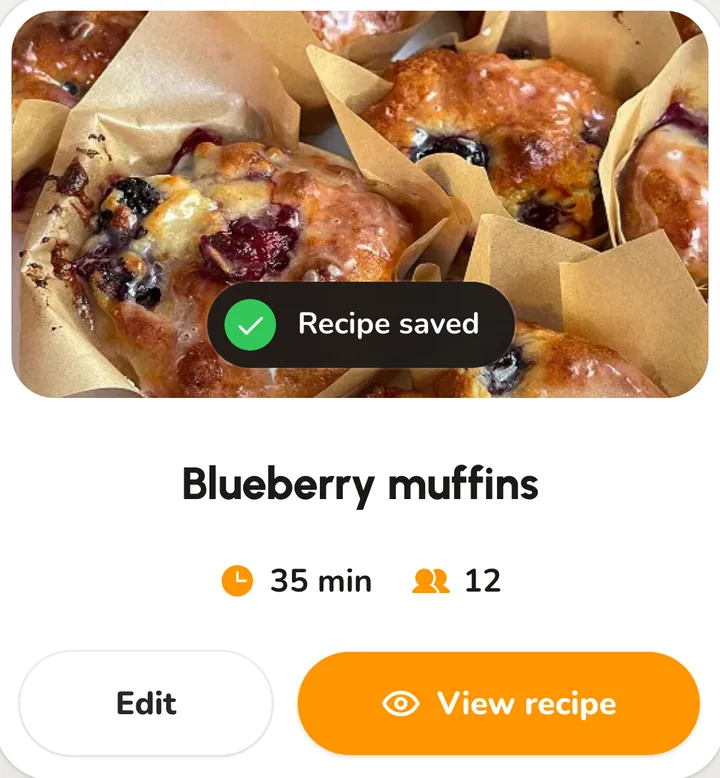


One click in Chrome
The recipe. Nothing else.
All you came for, and none of what you scrolled past.
- The ingredients
- The steps
- The photo
- A link back to the site
- The life story
- The ads
- The pop-ups
Frequently asked questions
Can I save a recipe from any website?
From almost any page that shows a recipe. A page behind a login or a paywall is the exception: copy the text and paste it into CookNest.
Do I need the Chrome extension?
No. On a phone you share the page to the app, and on a computer you can paste the link at cooknest.app. The extension just saves you the copying.
Can I save from Safari on iPhone?
Yes. Tap the three dots, then Share, then CookNest (it may be under More), and tap Save.
Does it work with Pinterest?
Yes, for single pins. When a pin links to a recipe page, CookNest saves that page's recipe.
Is it free?
The app is free, and the free plan saves 3 recipes from links every week. Recipes you type have no limit, and neither does PRO.