Save recipes from TikTok
That video goes by fast. The recipe stays.
4.8 on the App Store · 2,534+ ratings
Skip the screenshot
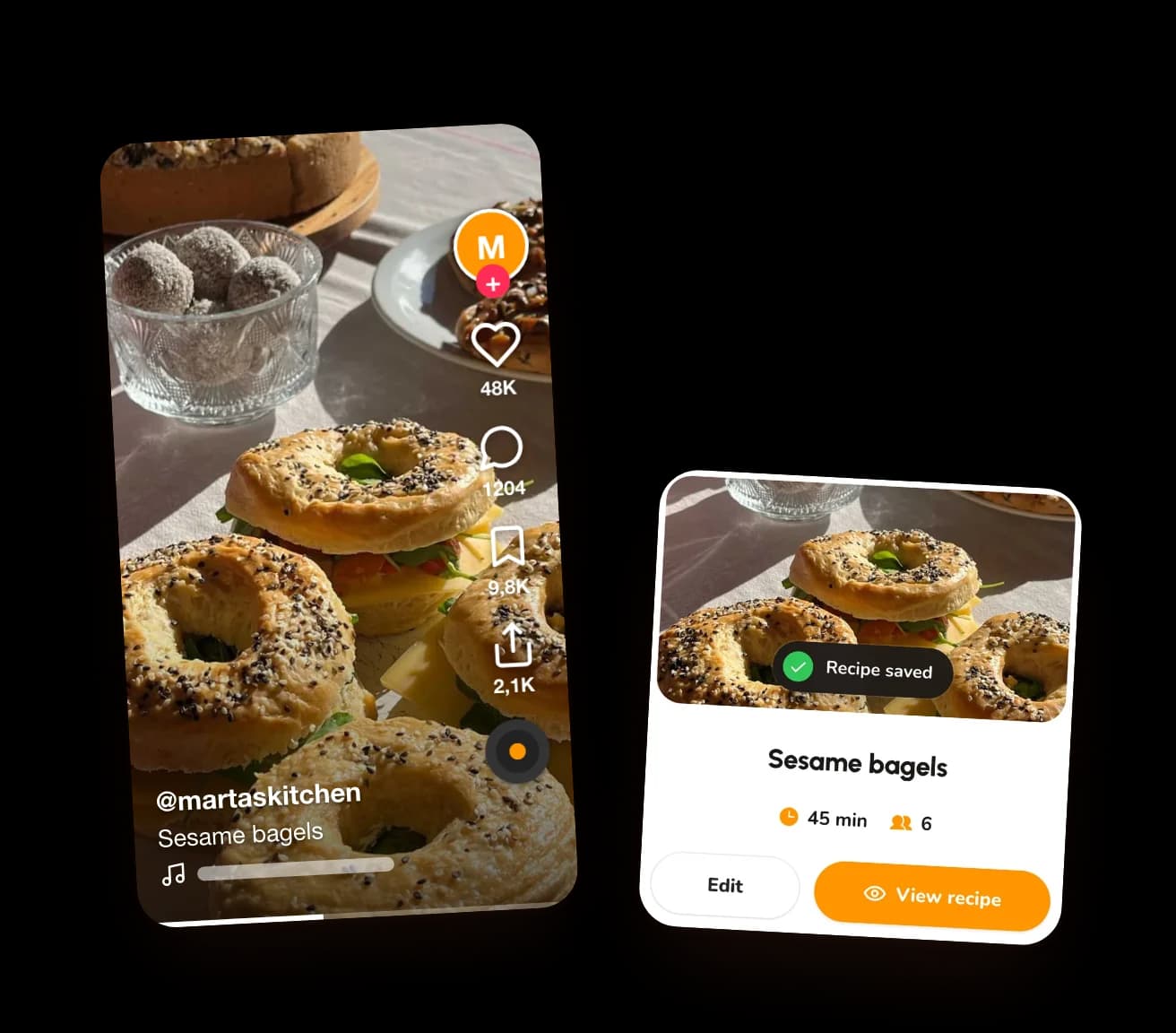
Tap share
The share button on any TikTok.

Pick CookNest
It's with your other apps.
Get cooking
No pausing. No watching it ten more times.

iPhoneShareMoreMoreCookNestSave
AndroidShareCookNestSave
On a computer, click the CookNest icon in Chrome, or paste the link at cooknest.app.
Out of Favorites. Into your kitchen.
A recipe you can actually find again.
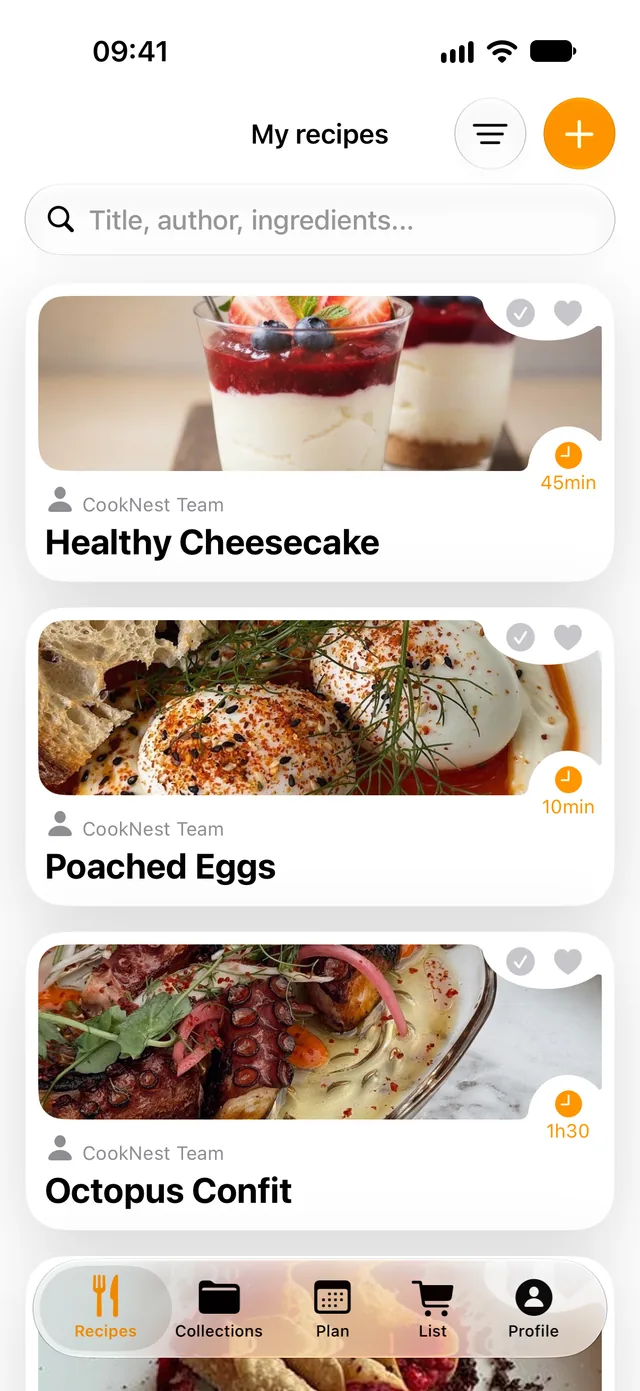
- Written outIngredients and steps, at your own pace.
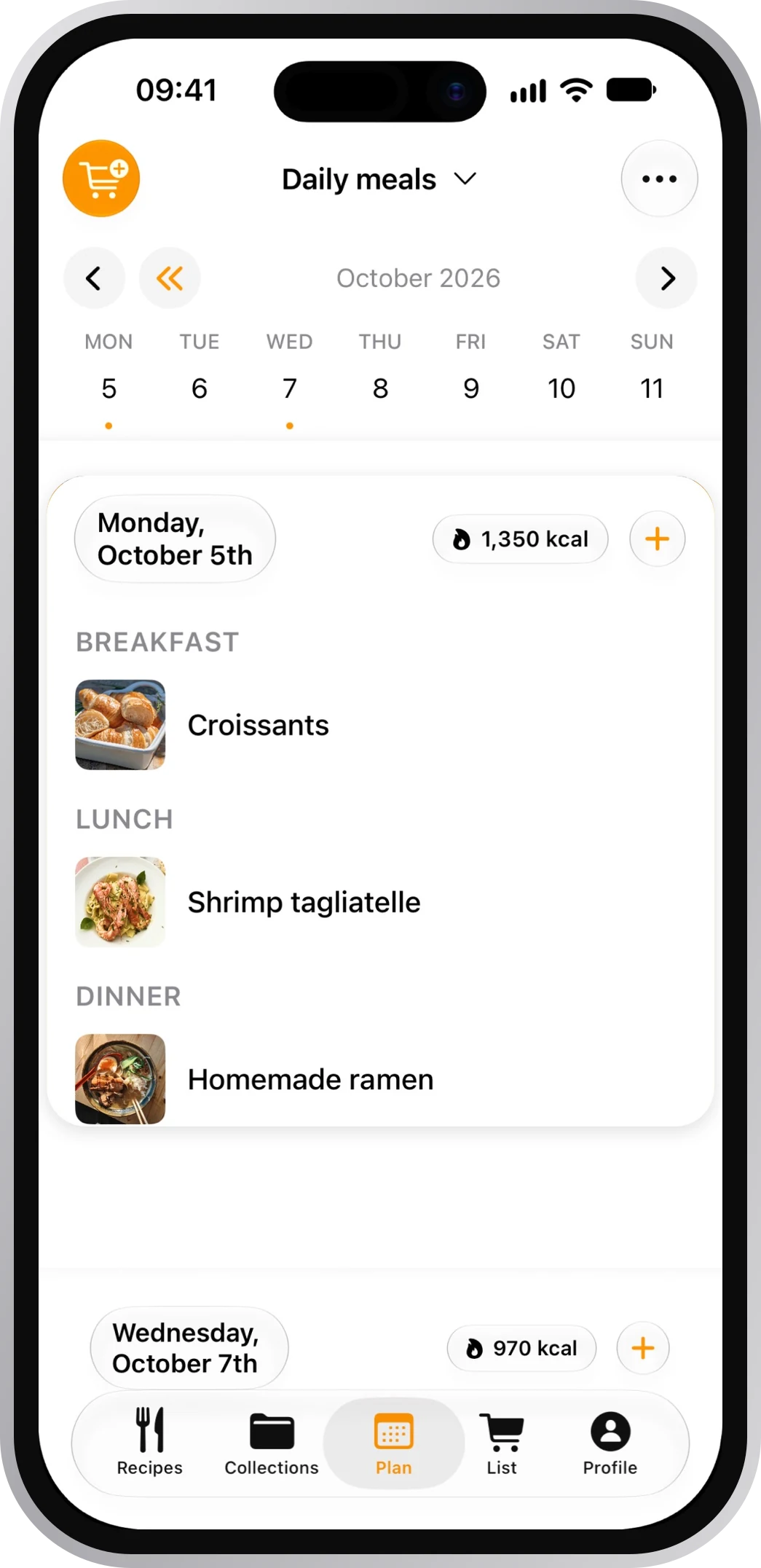
- Easy to findSearch by title, author or ingredient.
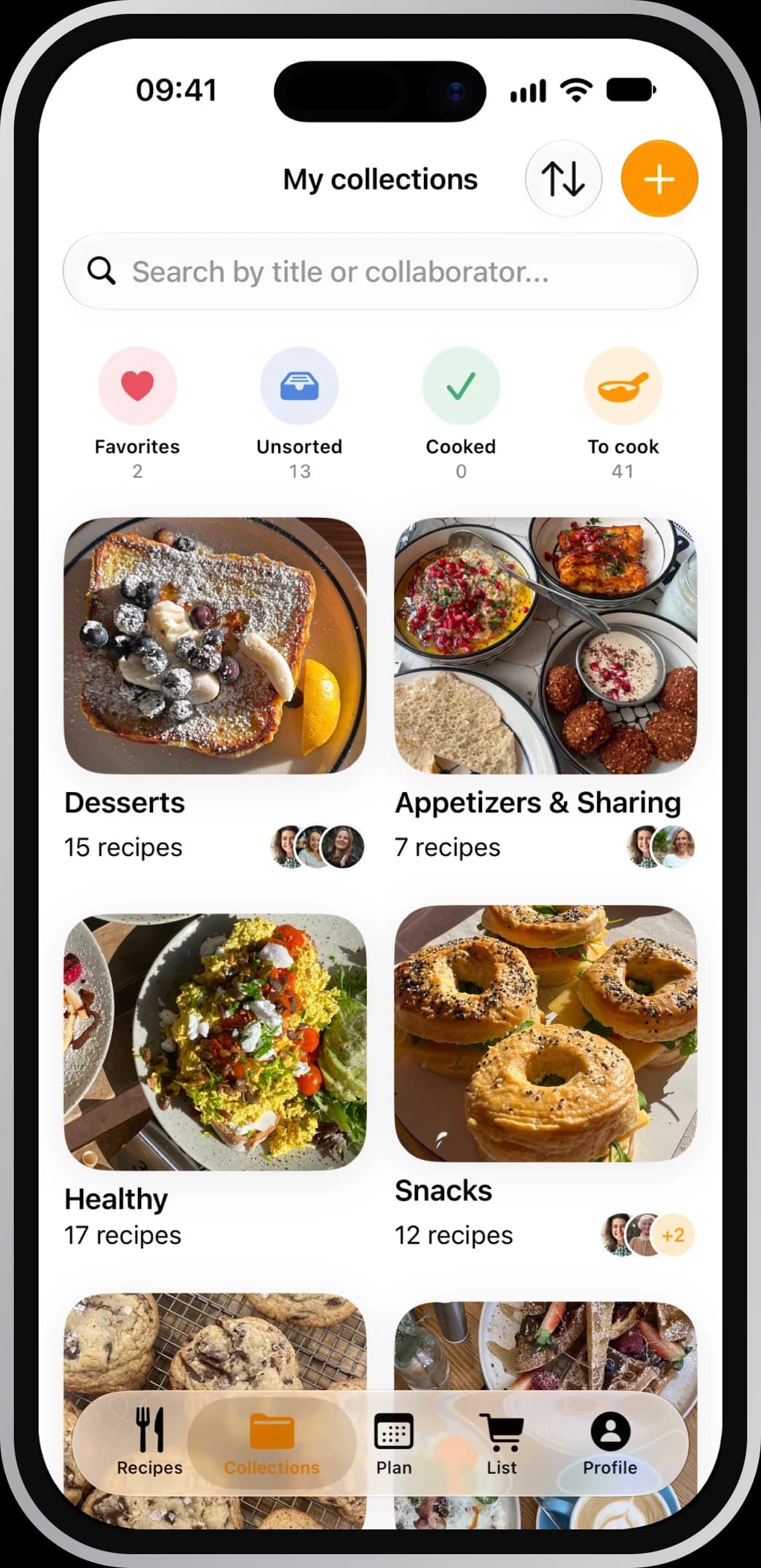
- Yours to keepIt stays, even if the video goes.
Frequently asked questions
How do I save a recipe from TikTok on iPhone?
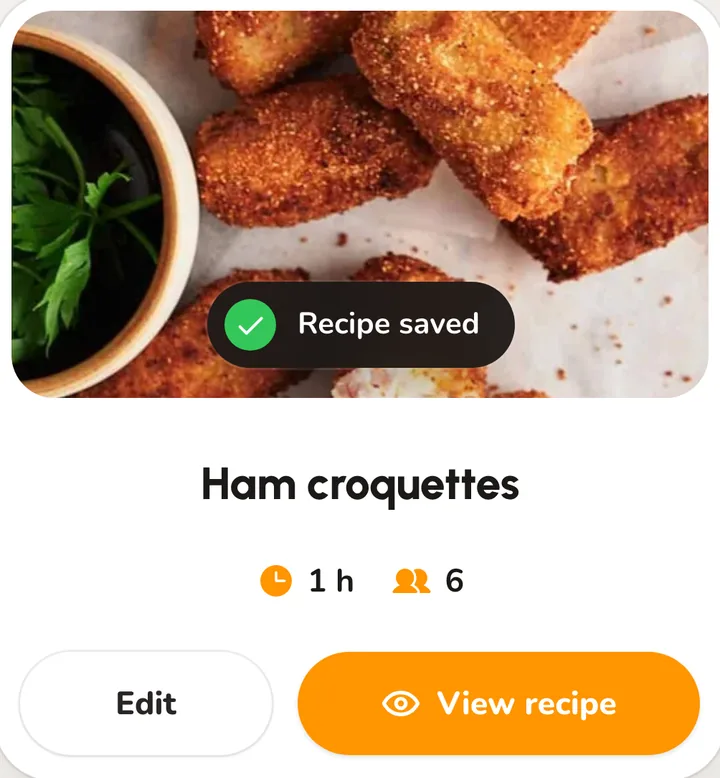
Tap share on the video, then More, then More again in the iPhone's menu. Choose CookNest and tap Save.
How do I save a recipe from TikTok on Android?
Tap share, choose CookNest and tap Save. You stay in TikTok while it imports.
Is there a free app to save TikTok recipes?
CookNest is free to download, and its free plan saves 3 recipes from links every week. PRO takes the limit away.
What if the video is only music?
If nothing in it says or shows the recipe, you still get the title, the photo and the link, ready to fill in.
What if the TikTok is in another language?
The recipe is saved in the language it was written or spoken in, and you can edit any line afterwards.