The Recipe Keeper alternative that turns your recipes into a real book
Bring your Recipe Keeper recipes across in one go. Cook from them every day, then hold the best ones in your hands.
4.8 on the App Store · 2,534+ ratings
From your screen to your kitchen shelf
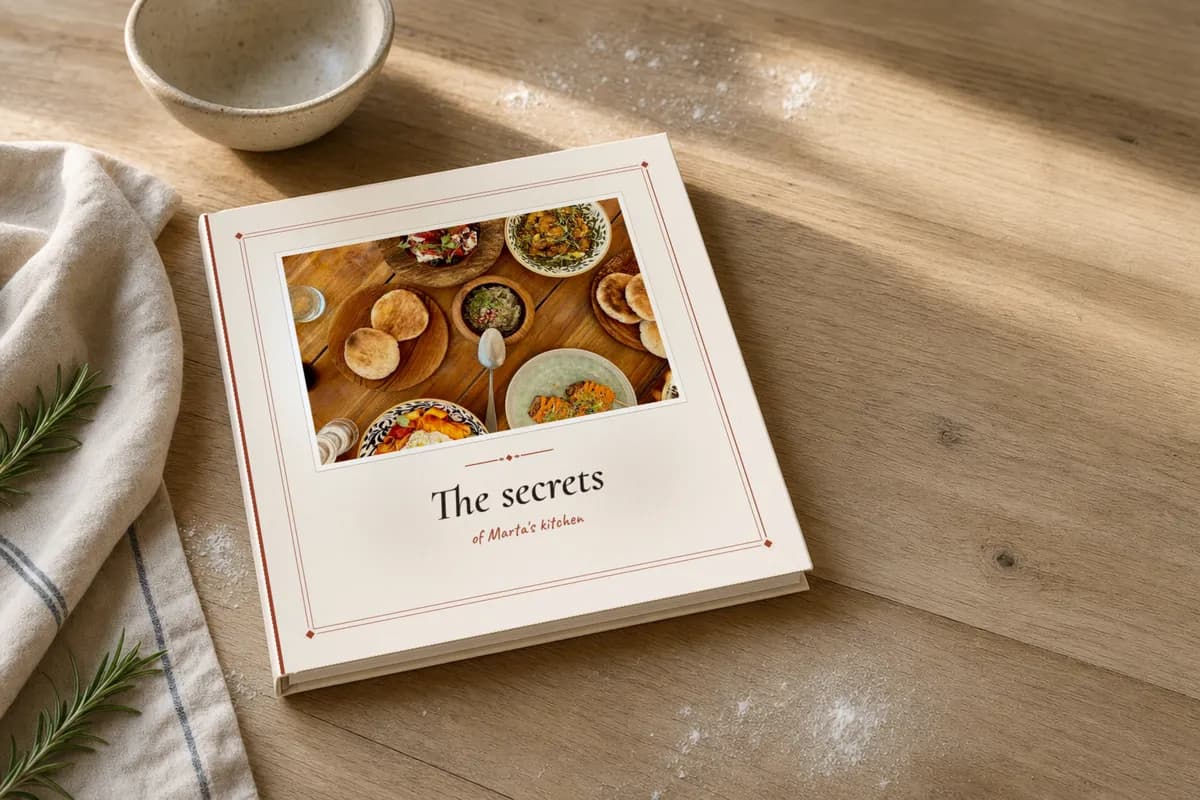
A cookbook, printed and bound
Choose a design and your recipes. CookNest Books prints a paperback or hardcover and delivers it across the EU.
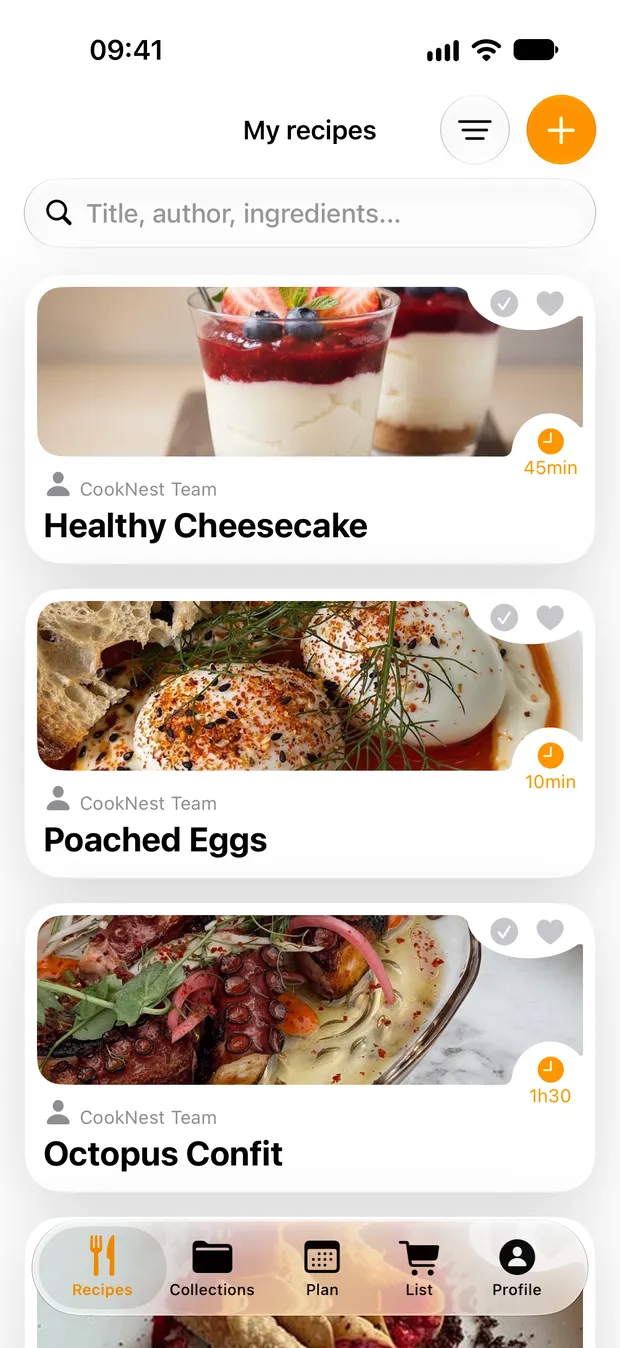
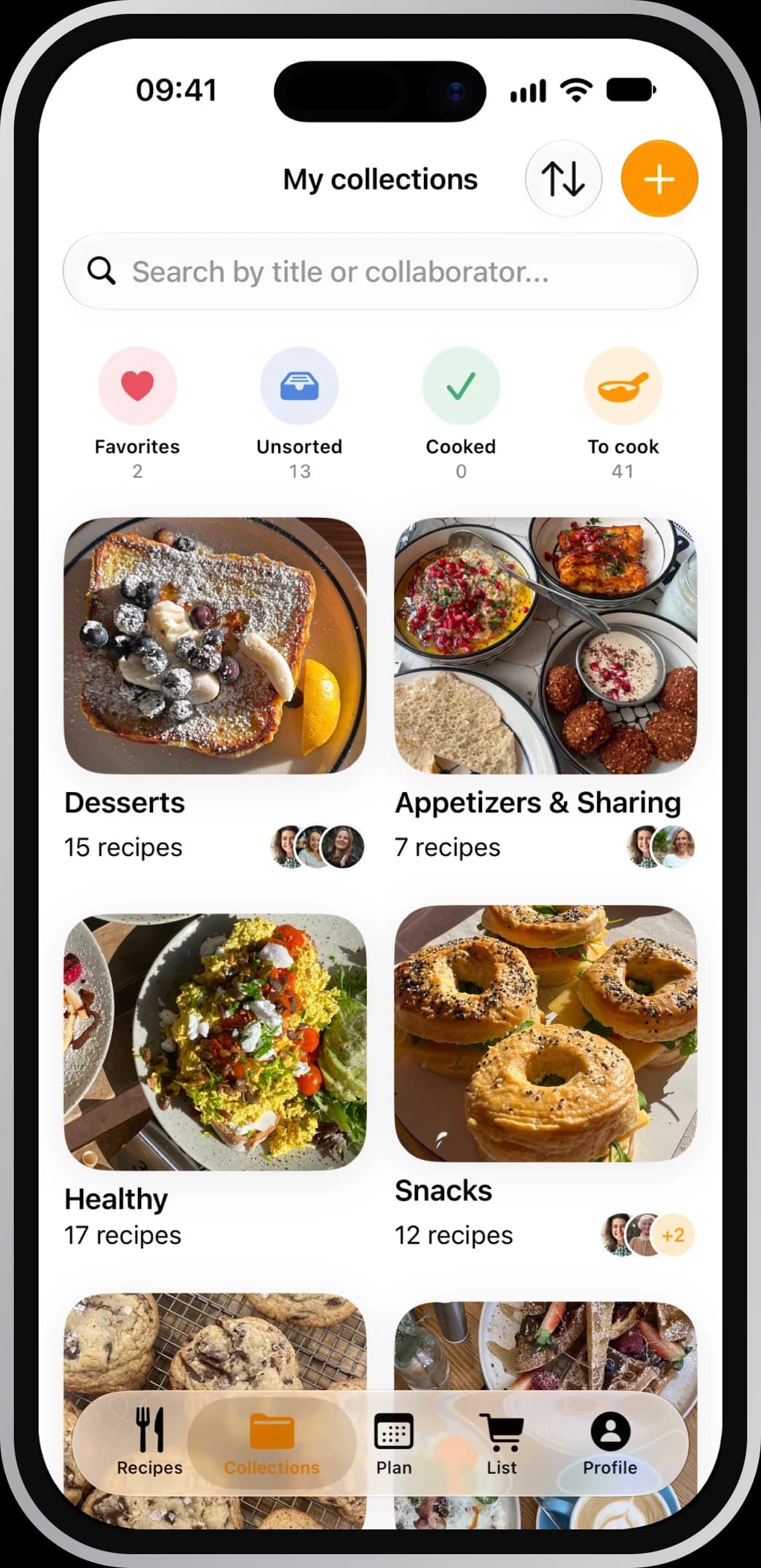
Your whole collection, at once
Pick the .zip and every recipe arrives, photos included.
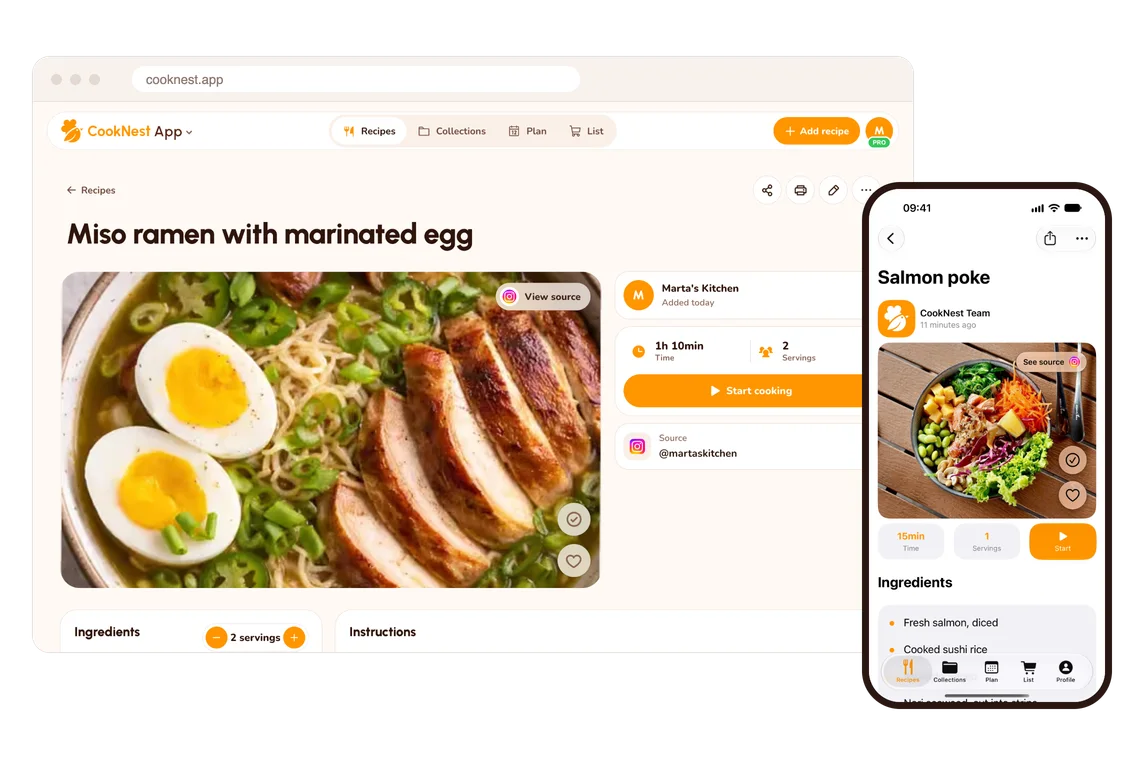
One account, every screen
iPhone, Android and the web share one free account.
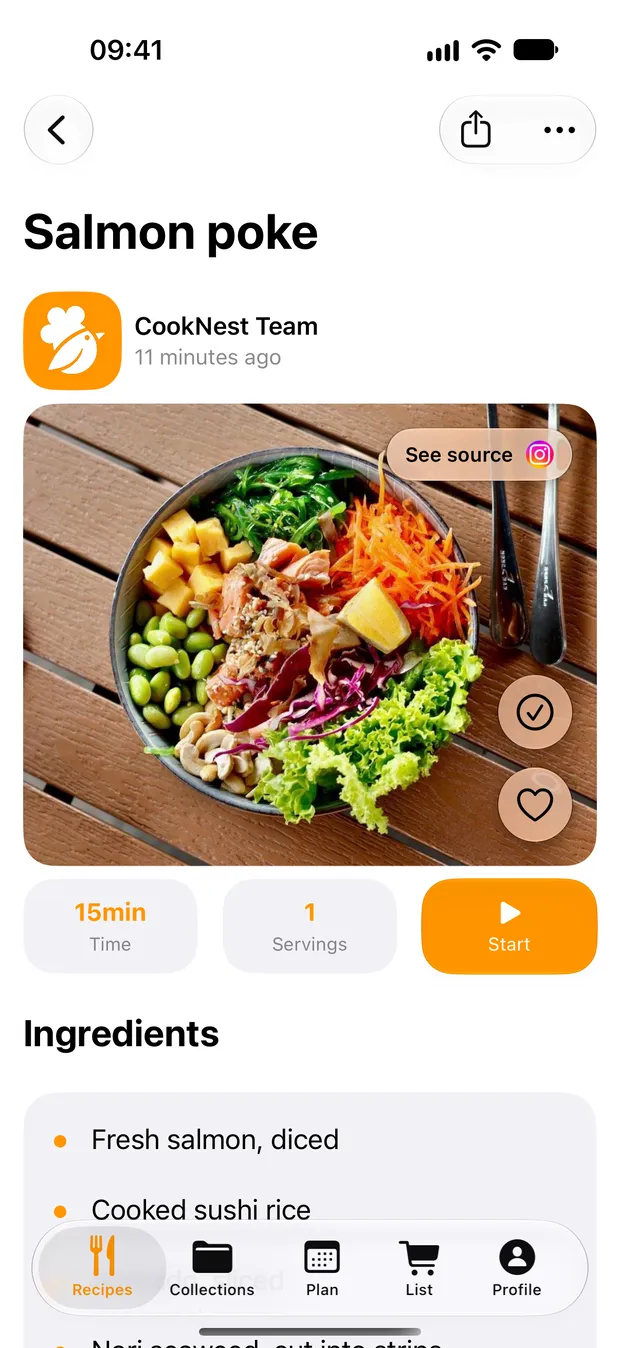
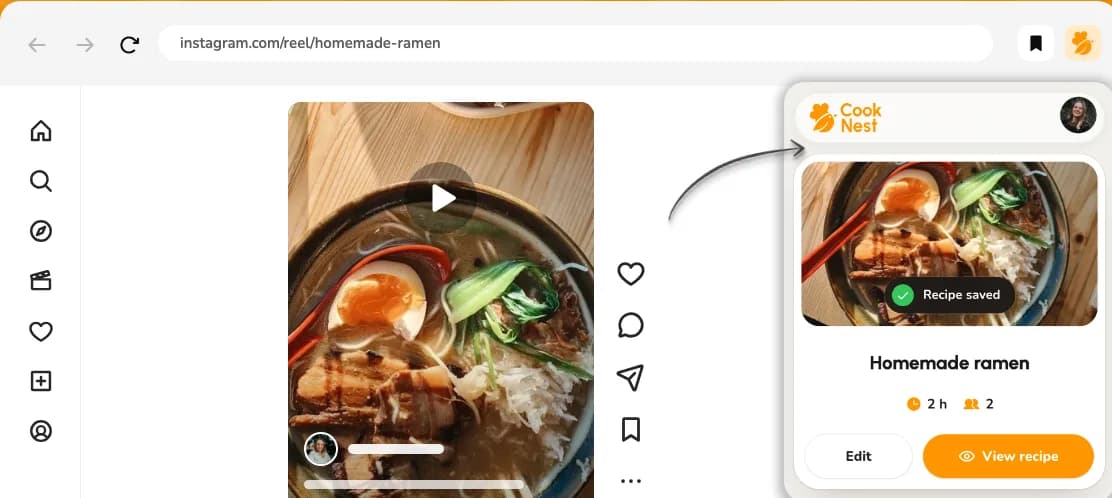
Recipes that are only spoken
When a short Reel just talks the dish through, CookNest writes it down.
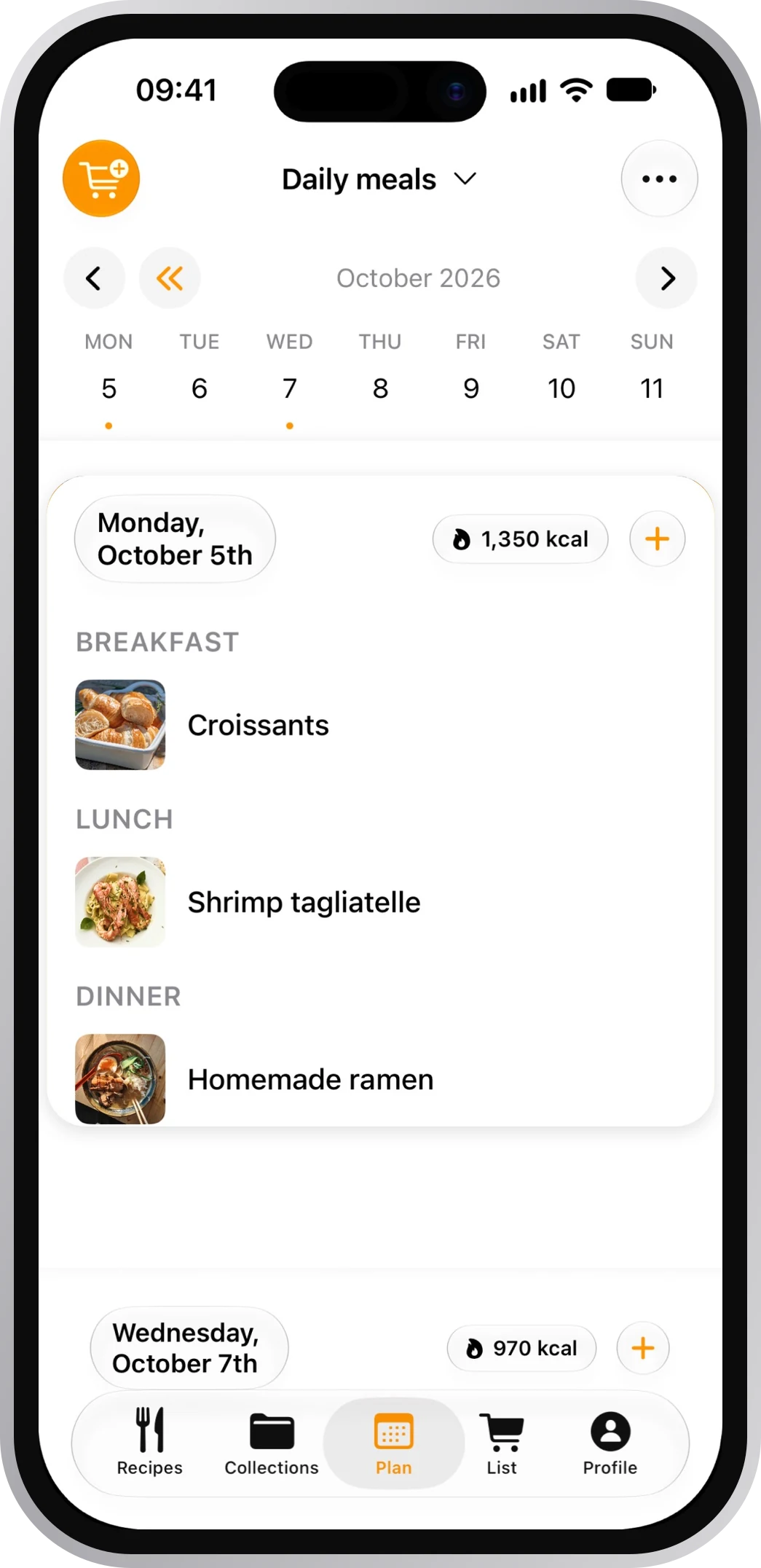
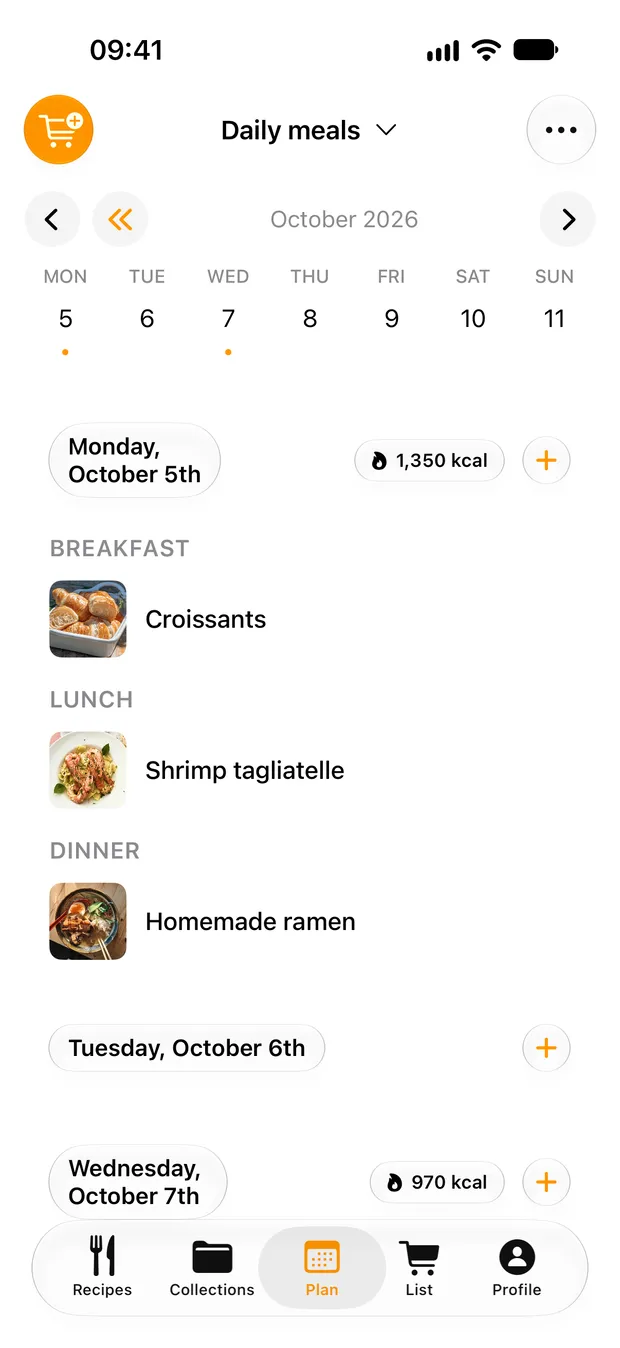
From recipe to shopping list
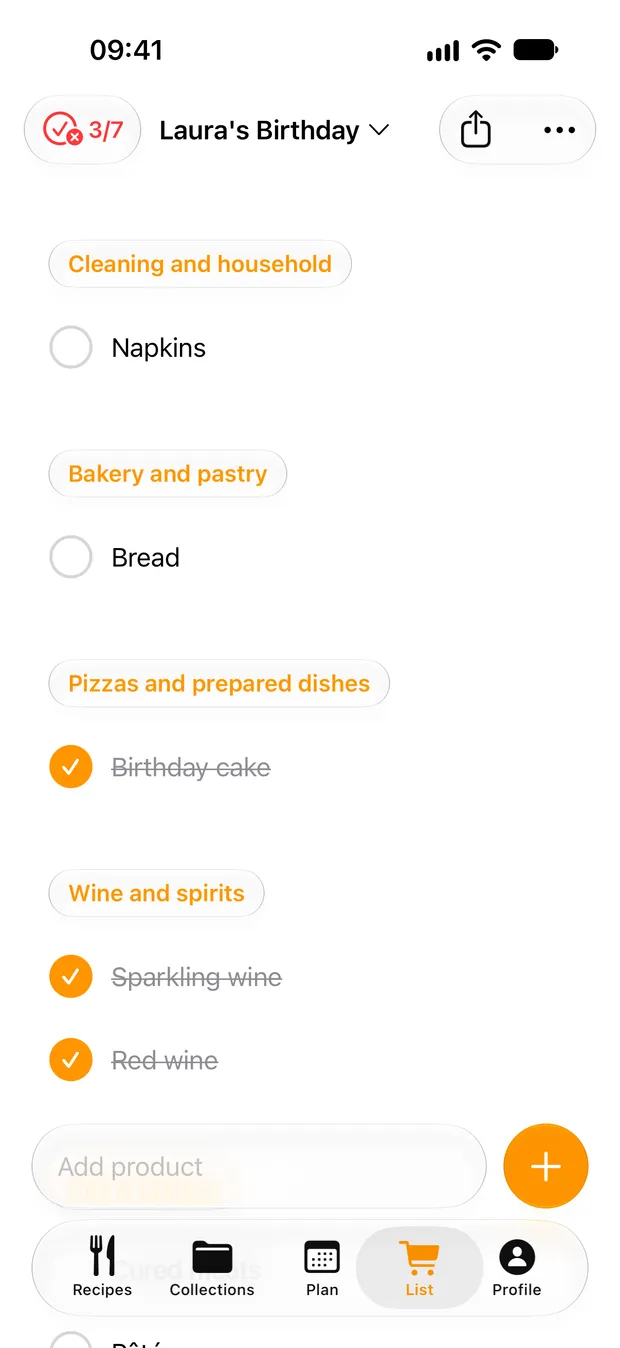
Add a recipe's ingredients to your list and share it with whoever does the shopping.
CookNest and Recipe Keeper, side by side
| CookNest | Recipe Keeper | |
|---|---|---|
| Order a printed, bound cookbook | CookNestYes | Recipe KeeperPartly. Makes cookbooks as a PDF, for printing or sharing.App Store |
| One account on phone and web, free | CookNestYes | Recipe KeeperPartly. Separate purchase required for other platforms.App Store |
| More than 30 languages | CookNestYes | Recipe KeeperPartly. 15 languages.App Store |
| Your shopping list on your Apple Watch | CookNestYes | Recipe KeeperNot offeredApp Store |
We make CookNest, so we're not neutral. Facts about Recipe Keeper come from its own website and its store listings, checked November 3, 2026. Not offered means nothing about it on that app's own help pages, site or App Store listing when we checked them.
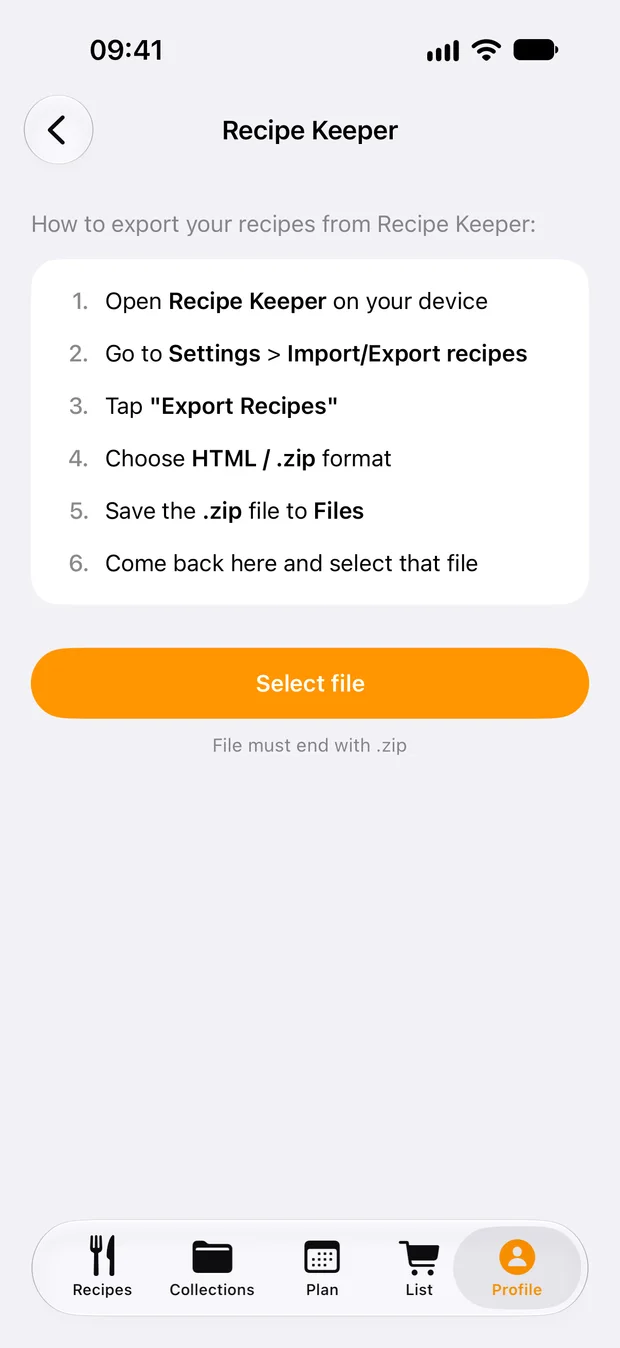
Move your library in three steps
CookNest reads the Recipe Keeper .zip in its iPhone and Android apps.
Export from Recipe Keeper
In Recipe Keeper: Settings, Import/Export recipes, Export recipes, and choose HTML / .zip. Save the file on your phone.
Open the importer
In CookNest: Profile, Your recipes, Import recipes. Pick Recipe Keeper and tap Select file.
Import it all
Check what it found and tap Import all. Titles, ingredients, directions, notes, servings and photos come along.
Frequently asked questions
Is there a free alternative to Recipe Keeper?
Yes. CookNest is free to start, no credit card needed, and the .zip import is free too.
Does it work on multiple devices?
Yes. One CookNest account covers iPhone, iPad, Android and the web, with nothing extra to buy for each.
Will my photos come across?
Yes. The importer brings the photos in the .zip with each recipe's title, ingredients, directions, notes and servings.
Can I turn my recipes into a book?
Yes, with CookNest Books: your own recipes as a printed, bound cookbook, delivered across the EU.